mydoodads.com

    • Tumblr
    • Reddit
    • YouTube
    • Amazon
    • Email
    • RSS
  • Home
  • Networking
    • WiFi networking
      • Setup a Synology Wireless Router
      • Synology Router Speedruns
      • Setup a Google Nest WiFi
    • Network Attached Storage
      • BeeStation
      • BeeStation Speedruns
      • Synology NAS (DSM 7)
      • Synology NAS (DSM 6)
      • Synology NAS tips
    • PowerLine networking
      • Setup a TP-Link AV600 PowerLine WiFi Extender
    • What’s in my tech toolkit
  • Operating Systems
    • Microsoft Windows
      • Windows terminal commands
      • Windows Networking tips and tricks
      • Troubleshooting tools for use with Microsoft Windows
    • macOS
      • macOS terminal commands
      • macOS Networking tips and tricks
      • Troubleshooting tools for use with a macOS
    • Chrome OS
      • Troubleshooting tools for use with a Google Chromebook
      • Chrome OS – Linux Development Environment
    • iOS
    • iPadOS
      • Using an Apple iPad with a Synology NAS
  • Software
    • Microsoft Word
    • Microsoft Excel
    • Miscellaneous applications
  • Games Consoles
    • Playstation
    • Nintendo
  • Internet of Things
    • Amazon Fire TV
    • Amazon Echo
    • Factory Reset
      • Amazon device resets
      • Apple device resets
      • Google device resets
      • TP-Link device resets
    • Apple TV
    • TP-Link
    • Miscellaneous Products
  • Members Area
    • Become a Member
    • View your Account Details
    • Courses
    • Login
    • Contact Us
  • ···
    mydoodads.com
      • Tumblr
      • Reddit
      • YouTube
      • Amazon
      • Email
      • RSS
    mydoodads.com
    • Home
    • Networking
      • WiFi networking
        • Setup a Synology Wireless Router
        • Synology Router Speedruns
        • Setup a Google Nest WiFi
      • Network Attached Storage
        • BeeStation
        • BeeStation Speedruns
        • Synology NAS (DSM 7)
        • Synology NAS (DSM 6)
        • Synology NAS tips
      • PowerLine networking
        • Setup a TP-Link AV600 PowerLine WiFi Extender
      • What’s in my tech toolkit
    • Operating Systems
      • Microsoft Windows
        • Windows terminal commands
        • Windows Networking tips and tricks
        • Troubleshooting tools for use with Microsoft Windows
      • macOS
        • macOS terminal commands
        • macOS Networking tips and tricks
        • Troubleshooting tools for use with a macOS
      • Chrome OS
        • Troubleshooting tools for use with a Google Chromebook
        • Chrome OS – Linux Development Environment
      • iOS
      • iPadOS
        • Using an Apple iPad with a Synology NAS
    • Software
      • Microsoft Word
      • Microsoft Excel
      • Miscellaneous applications
    • Games Consoles
      • Playstation
      • Nintendo
    • Internet of Things
      • Amazon Fire TV
      • Amazon Echo
      • Factory Reset
        • Amazon device resets
        • Apple device resets
        • Google device resets
        • TP-Link device resets
      • Apple TV
      • TP-Link
      • Miscellaneous Products
    • Members Area
      • Become a Member
      • View your Account Details
      • Courses
      • Login
      • Contact Us
    Video
    Nintendo

    How to soft reset a Nintendo Switch

    Video
    Nintendo

    How to enter Recovery Mode on Nintendo Switch

    Video
    Synology Router Archive

    How to setup a Synology wireless router part 8: The Dynamic Host Configuration Protocol ( DHCP ) Settings on a Synology Router

    Video
    Nintendo

    How to reset a Nintendo Switch back to factory defaults

    Video
    Playstation

    How to increase PS4 Storage using an External Hard Drive – Extended Storage

    Video
    Nintendo

    How to fit a screen protector to a Nintendo Switch

    Video
    Playstation

    How to access Playstation 4 (PS4) Safe Mode

    Video
    Playstation

    How to Save/Backup PlayStation (PS) 4 game data

    logos
    Apple, Articles, macOS

    Turning Off Inline Attachments in macOS Mail

    Video
    Amazon Echo

    De-register and Factory reset the Amazon Dot

    logos
    Apple, Articles, macOS

    How to get your macOS to sort folders and files like Windows 10

    Video
    Playstation

    How to upgrade the Playstation 4 ( 1st Gen ) Hard Drive

    Video
    Amazon Echo

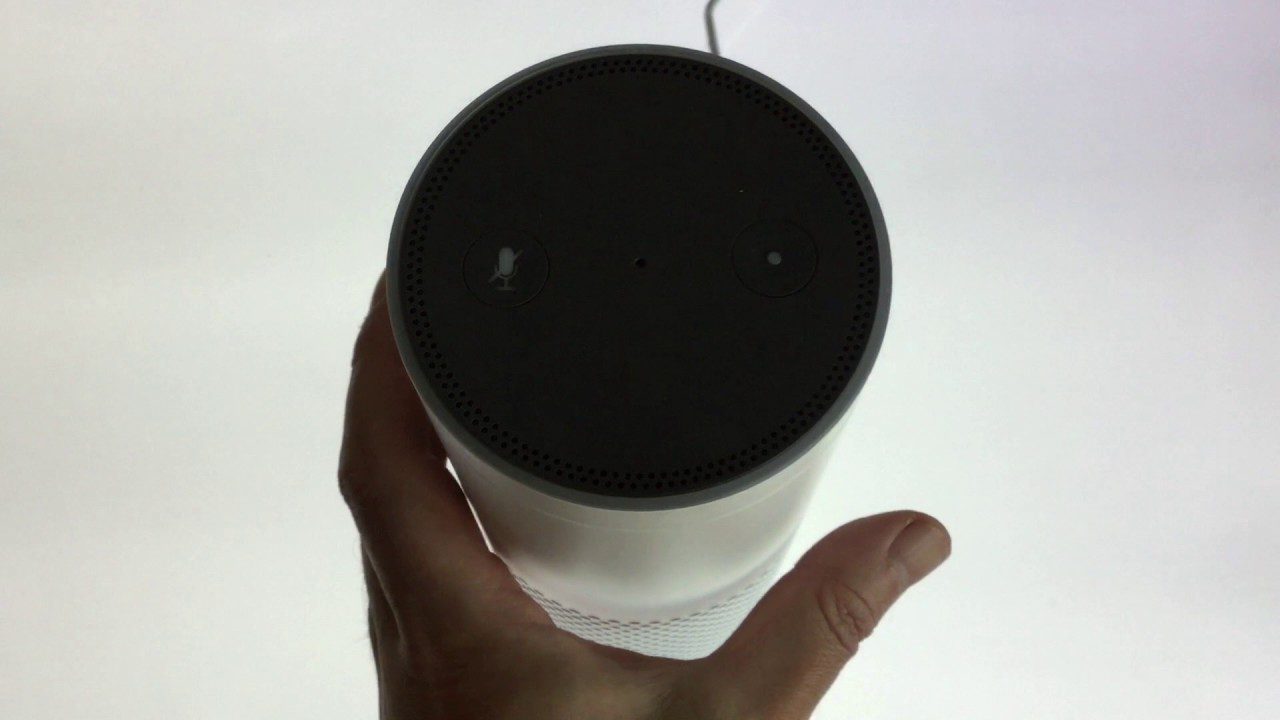
    De-register and Factory reset the Amazon Echo

    Video
    Playstation

    How to reset the Playstation 4 back to Factory Defaults

    Video
    Microsoft Windows

    How to enable a delete confirmation message in Windows

    Login


    Forgot Password

    How to help support this site

    If you don't want to become a site member, but would like to help us with hosting costs or keeping our content advert free. Please consider supporting us by buying us a Coffee.