
Issue:
What is the shortcut key to Log out of a macOS user account?
Resolution:
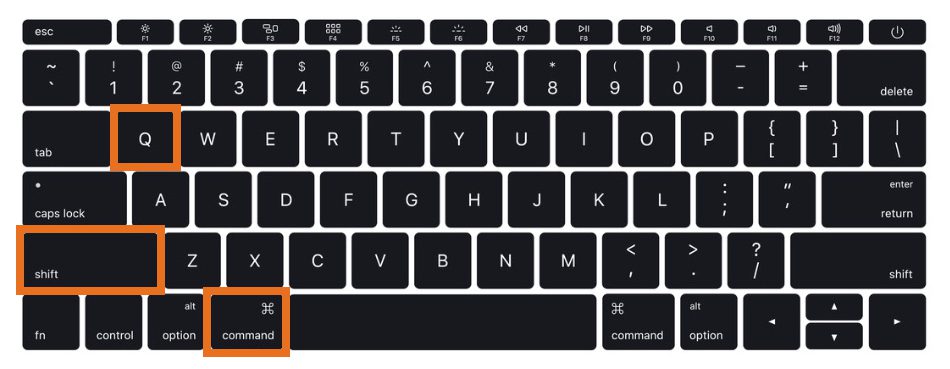
You can use the following shortcut keys to log out of a user account on an Apple Macintosh computer.
Pressing Shift + Command (⌘) + Q will log you out of a macOS user account. While you are prompted to confirm that you wish to log out, we recommend that you save all work before you execute this command.
- Apple article – Set your Mac to log out when not in use

Add comment