






Once you have completed a basic setup of your Synology NAS. You can start exploring what it can do with the help of our tips and tricks videos. Which not only include tips and tricks that we have discovered over time. But also include step by step guides relating to more niche applications or services that your new NAS can run.

In a previous video, we installed and configured Synology Photos on our NAS. However as we had not……

After configuring the firewall on your Synology NAS, you might want to test a specific port to see if……

As the Synology Active Backup for Business agent on an Apple Macintosh computer, will hook itself into macOS.……

When you install Synology photos onto your NAS, it will by default store all photos and videos in……

In this video, we’ll show you how to check the temperature of your Synology NAS manually. It’s a……

To boost the security of your Synology NAS, you should definitely get an SSL certificate. But here’s the……
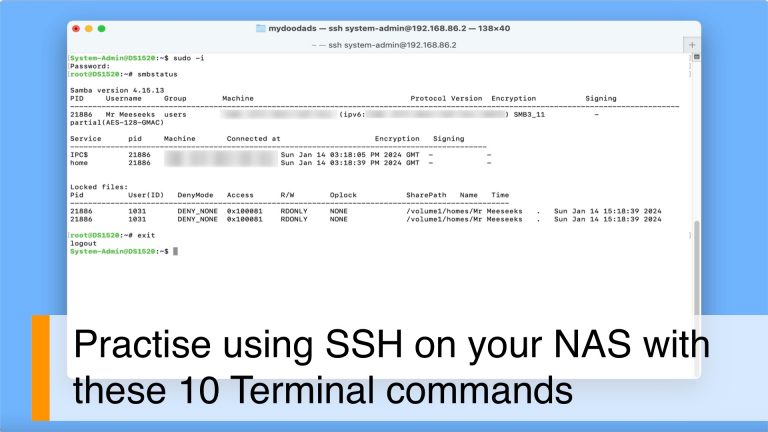
In this video, we’re going to dive into some handy terminal commands for your Synology NAS. Let’s kick……

Having your NAS respond to pings is a handy way to check if it’s working properly. As it……

In this video we demonstrate how on a Synology NAS you hide shared folders from users without permission.……
Load More