





When working on your home network, in order to troubleshoot or diagnose problems you will need to use specific tools. Luckily these tools are often included in Microsoft Windows, in the form of terminal commands. So in this selection of videos we have included any terminal commands that we think you might find useful.
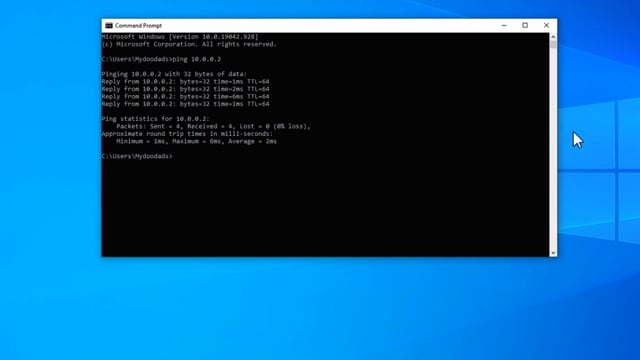
In this video, we take a look at a Windows command that will allow you to Ping other……
While newer computers, now seem to store the Windows Product Key in the Unified Extensible Firmware Interface (UEFI).……

While newer computers, now seem to store the Windows Product Key in the Unified Extensible Firmware Interface (UEFI). It does no harm……
While you should be able to use Disk Station Manager to configure and user your Synology NAS, some……

Mapping a network share to File Explorer is a breeze, but if you can remember the commands, it’s……
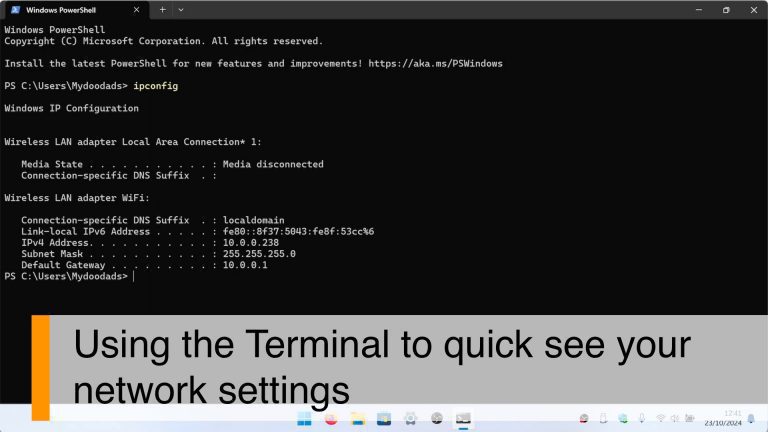
In this video we demonstrate how using a terminal command in Windows, you can quickly determine the IP……

In Windows, the wireless network settings you use to connect to a wireless access point are stored in……

The IPconfig command is a super useful tool in the Windows terminal. It can give you all the……

If you’re having trouble with your WiFi or just want to know what kind of WiFi your computer……
Load More