





Microsoft Excel is an incredibly powerful tool, that can be used in all sorts of different ways. However, this also makes it a little intimidating to use. So in this section of the website, we focus on some of Excels key features and try to help you better understand how you might use it in your work.

In a previous video we took a look at the Microsoft Excel function TRANSPOSE. Which is a function……

Before you can start to process data in Microsoft Excel. You may find that you need to re-orientate……

The SUM function is probably one of the first functions you learn to use in Microsoft Excel. As……

As Microsoft Office has evolved, new features have been introduced that you may not find to be all……
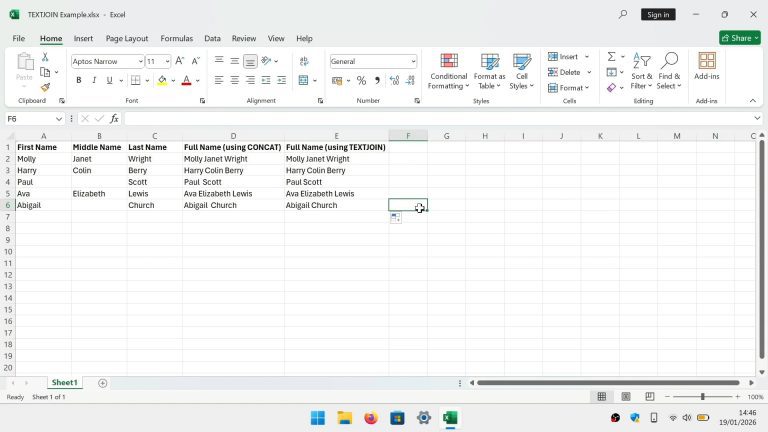
While the CONCATENATE and CONCAT functions are both widely used in order to join data into series. For……

As you become more proficient with Microsoft Excel, it’s conceivable that you might find yourself in a situation……

The default layout for Microsoft Excel, can be both distracting and a little intimidating. Particularly if you are……

By default when you start Microsoft Excel, you are presented with a startup screen. While the aim of……
Load More