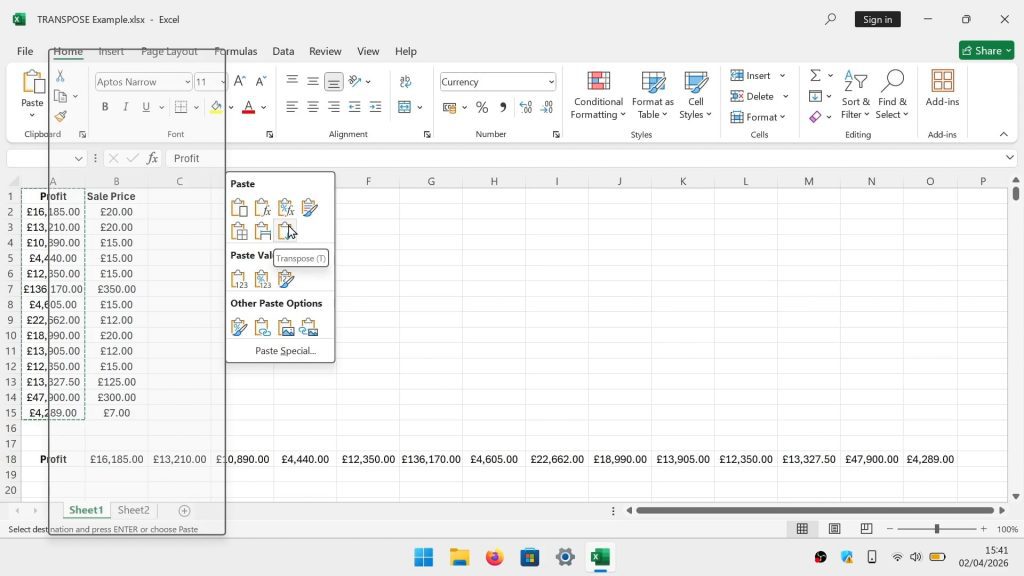



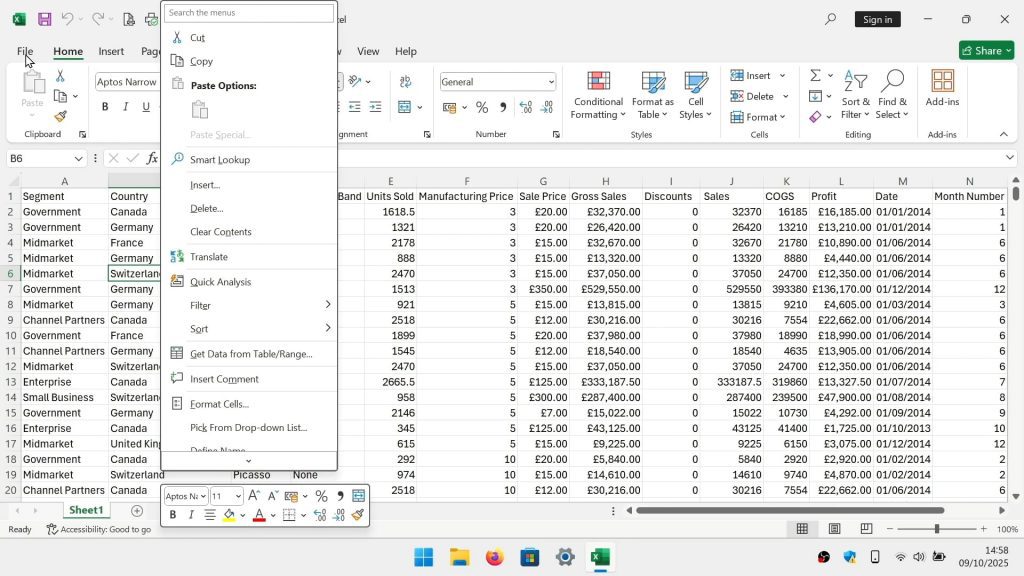
As Microsoft Office has evolved, new features have been introduced that you may not find to be all that useful. For us one such feature is the mini toolbar. Which is a secondary menu that will appear if you perform a right click with your mouse.
While the mini toolbar can be disabled via a setting in either Word, Excel or PowerPoint. We found that in our instance of Office, this function would not disable. So in our video we provide you with an alternative way to disable the mini toolbar, using Windows Registry.