





While having a Chromebook is great for its stability and security. It does not have as wide a range of software as other operating systems. However as it is possible to make a Chromebook run Linux applications using Linux Development Environment (LDE). In this series of videos, we will show you how you install LDE, so that you can run some of the most popular Linux apps on your Chromebook.
When Google added Linux Development Environment (LDE) to ChromeOS it opened the door to installing a huge catalog……
By default when using Linux Development Environment, any Linux applications we wish to install, will need to be……

While we can’t natively run LibreOffice from within ChromeOS, we can run LibreOffice on a Chromebook using Linux……
While Linux Development Environment (LDE) gives the appearance that Linux applications are running natively in ChromeOS. As we……
While ChromeOS is based on Linux, we are not able to install and run Linux applications from within……
If you find that you are not using Linux Development Environment as much as you thought. You may……
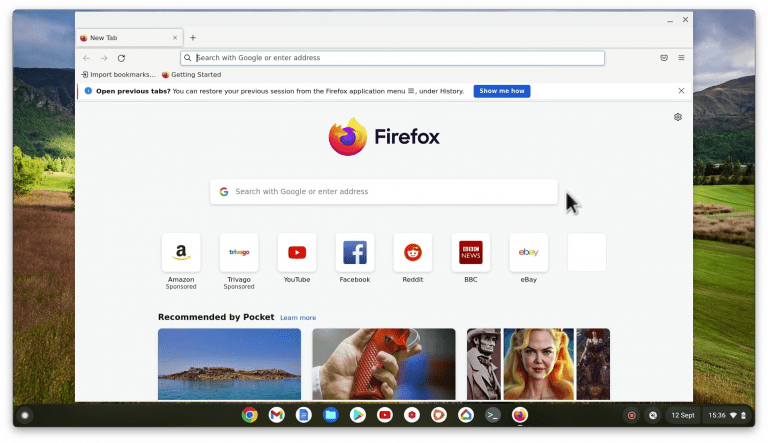
While we can’t run Firefox directly from ChromeOS, we can still use it on a Chromebook using the……

If you want to access a third party email account or perhaps use a more powerful email client……

As the Torrent clients for ChromeOS are often not that good. It can be problematic sharing files from……
Load More