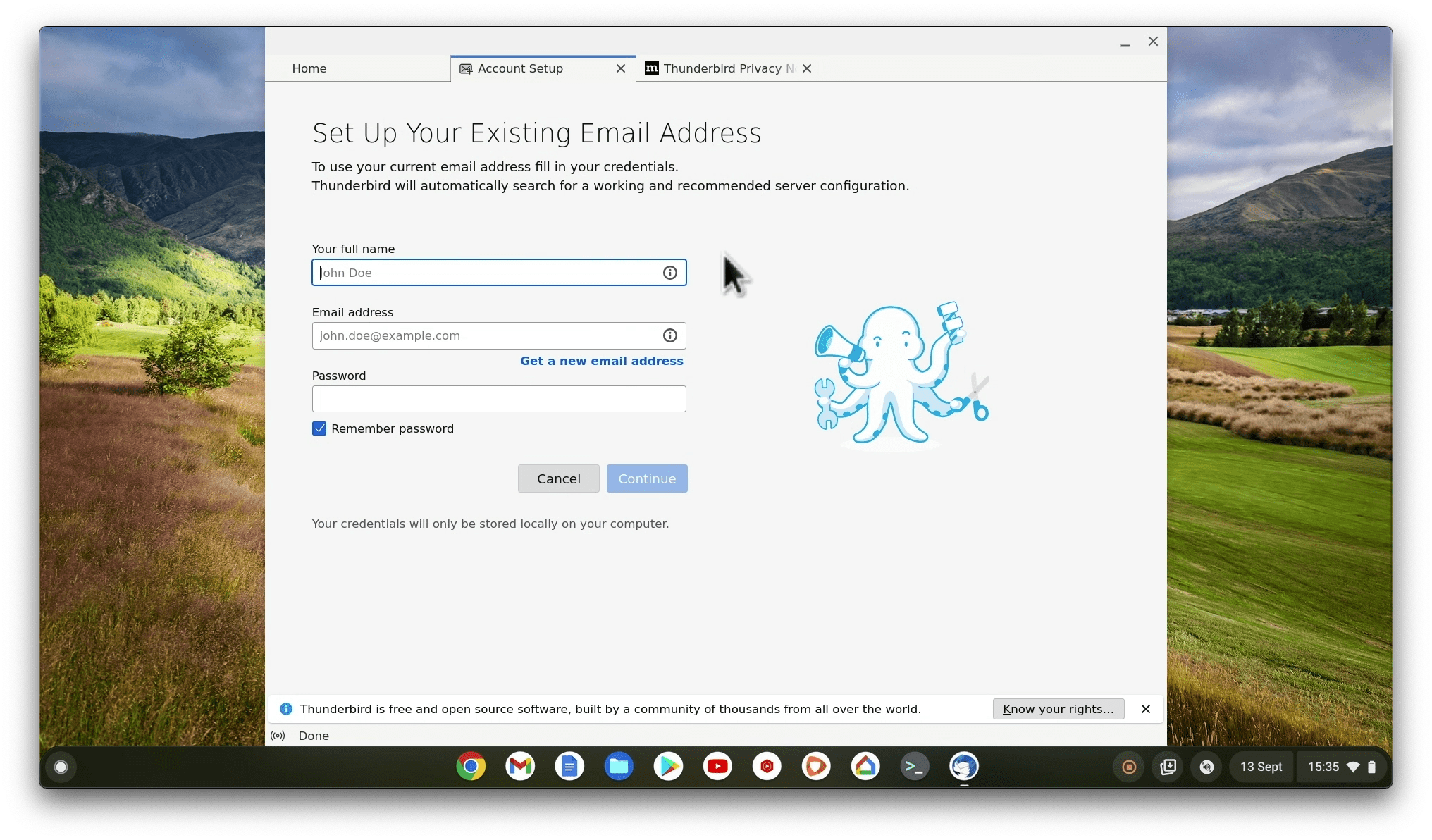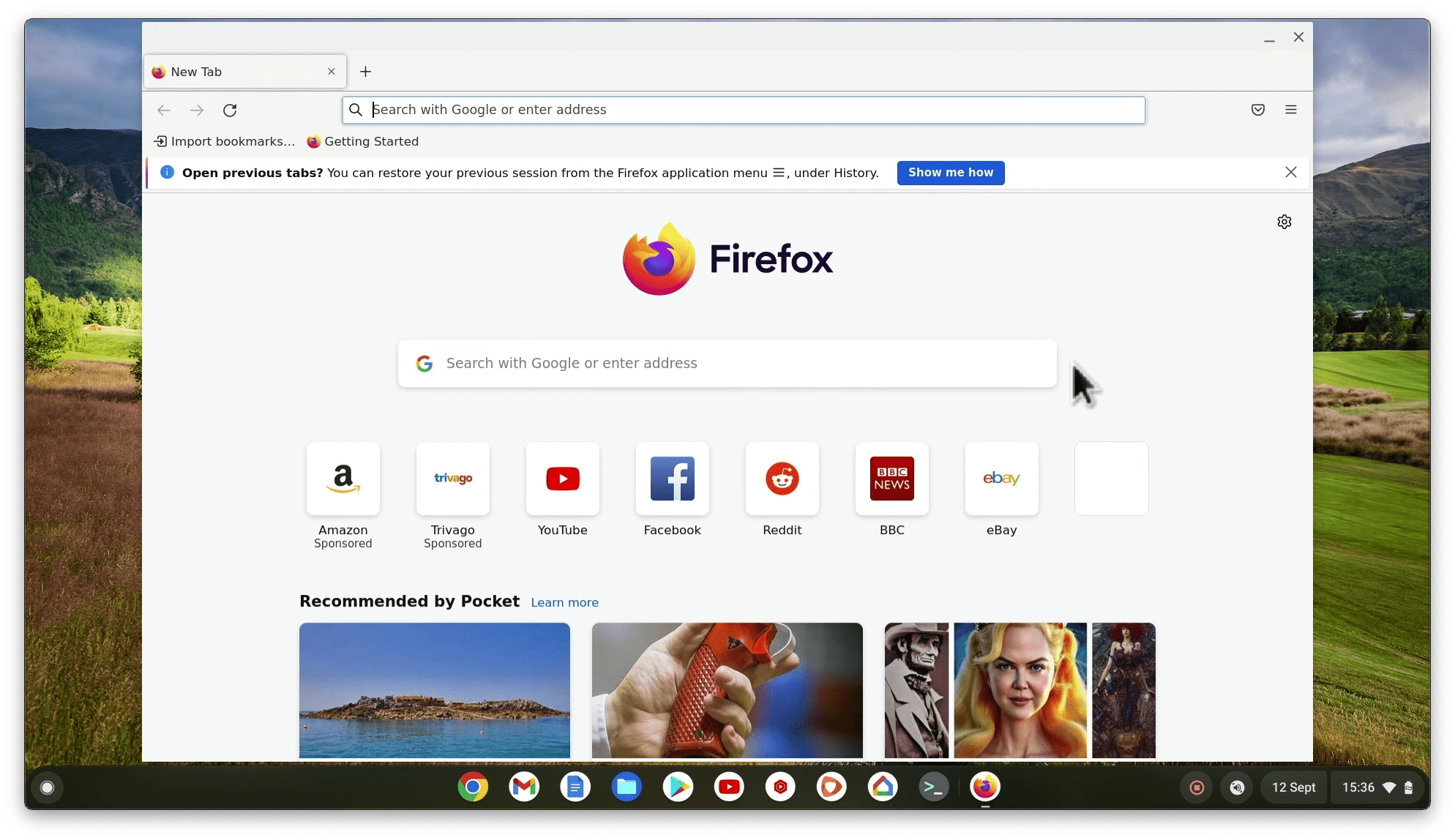
While we can’t run Firefox directly from ChromeOS, we can still use it on a Chromebook using the Linux Development Environment (LDE). So in this video, we’ll show you how to install Firefox on your Chromebook using the Linux command prompt.
Note: Linux Development Environment is basically a Linux virtual machine running inside ChromeOS. By default, Linux and ChromeOS are kept separate. So, if you want to share files between the two, you’ll need to set up a shared folder on your Chromebook.