





This section is for beginners and home users who want to set up a Synology NAS using Disk Station Manager 7. So we’ll guide you through the setup process step by step, in order to help you get your new NAS up and running in no time!
In addition to the main information about a Synology NAS, you’ll also find some extra details about specific elements in our Synology NAS tips section. This section deals with anything that we thought might be interesting, or that we found helpful.
As this is the first video in this series, we are going to prepare our home network for……
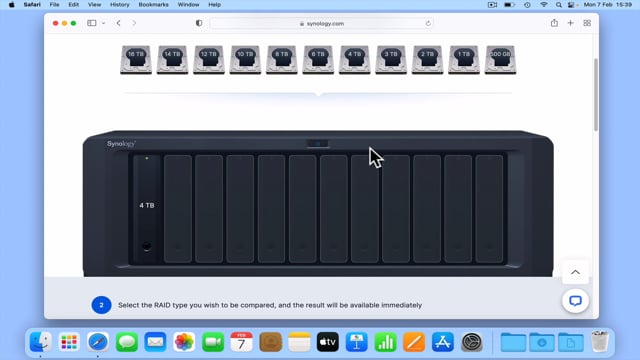
While a NAS is a device that has been specifically designed to allow the computers on a network……
It is important that before you start to configure a new NAS, you properly familiarise yourself with how……
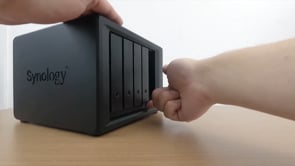
In this video we take a look at fitting additional RAM, and two hard drives to our new……
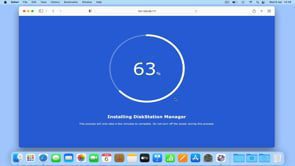
In our previous video we physically connected a Synology NAS to our home network. So in this video……
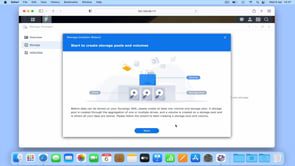
While Disk Station Manager has now been installed onto our Synology NAS, the hard drives in our NAS……
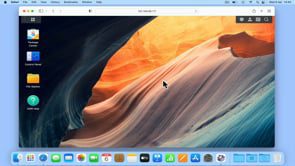
In this video we take a quick tour of the main elements that make up Disk Station Manager……
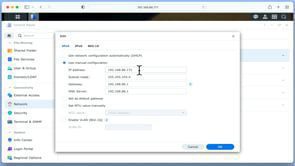
In this video, we’ll show you how to give your Synology NAS a static IP address. First, we’ll……
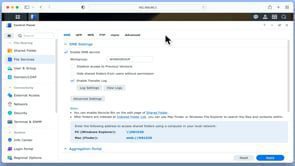
A Synology NAS is like a central hub for storing files on a network. To make the most……
Load More