





While ChromeOS is based on Linux, we are not able to install and run Linux applications from within ChromeOS. So to get around this, we can use something called Linux Development Environment (LDE) which is a virtual machine built into ChromeOS.
As LDE is independent to ChromeOS. In order to update any packages that you have installed into the Linux Development Environment on your Chromebook, you will need to use a series of terminal commands. So in this video we demonstrate how you update Linux packages within ChromeOS.
Notes: The term package is used in Linux, to describe the distribution container to a piece of software. So by updating Linux, not only will we update specific pieces of software related to the Linux operating system, we will update any applications that we have installed in Linux.
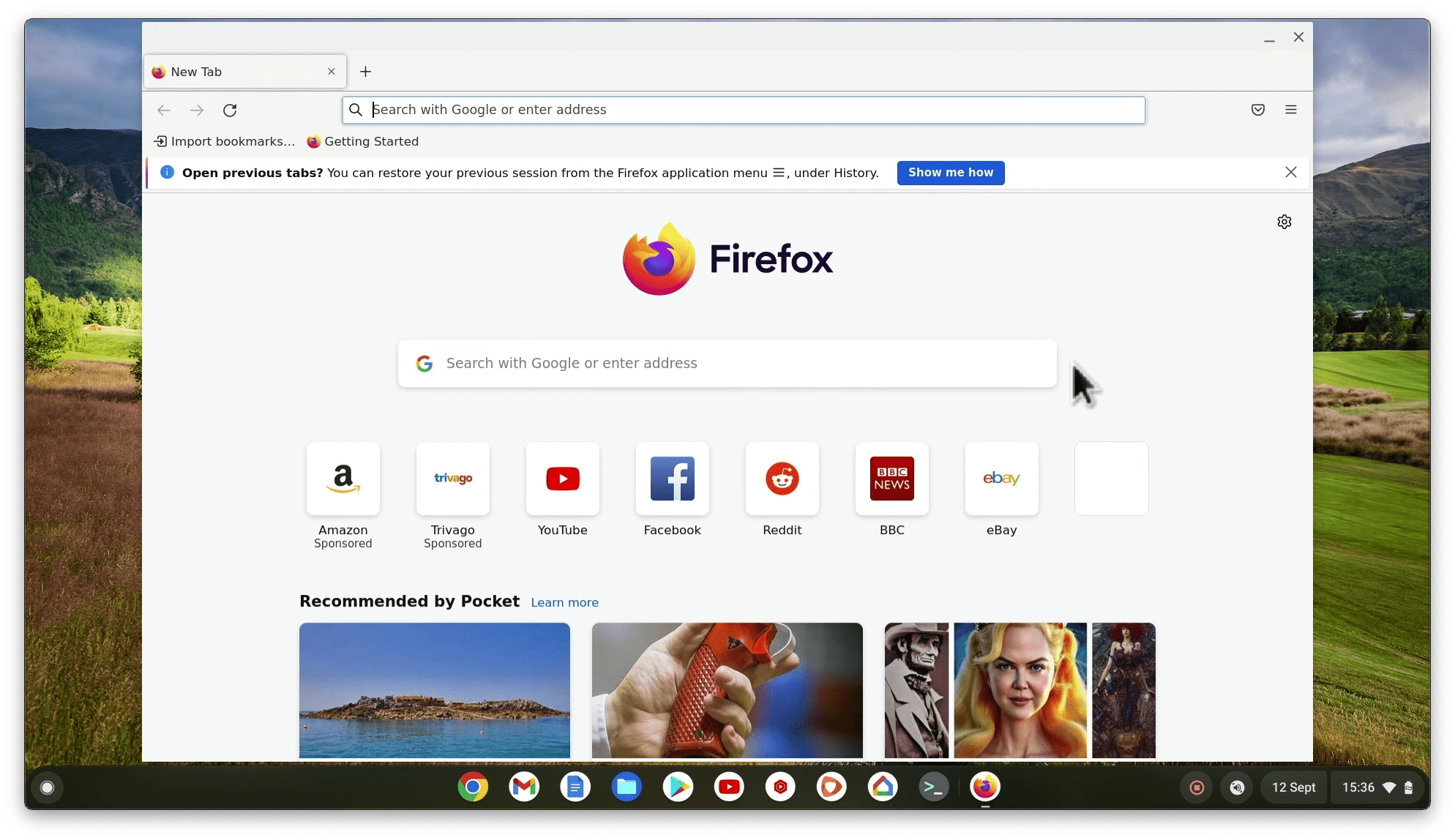
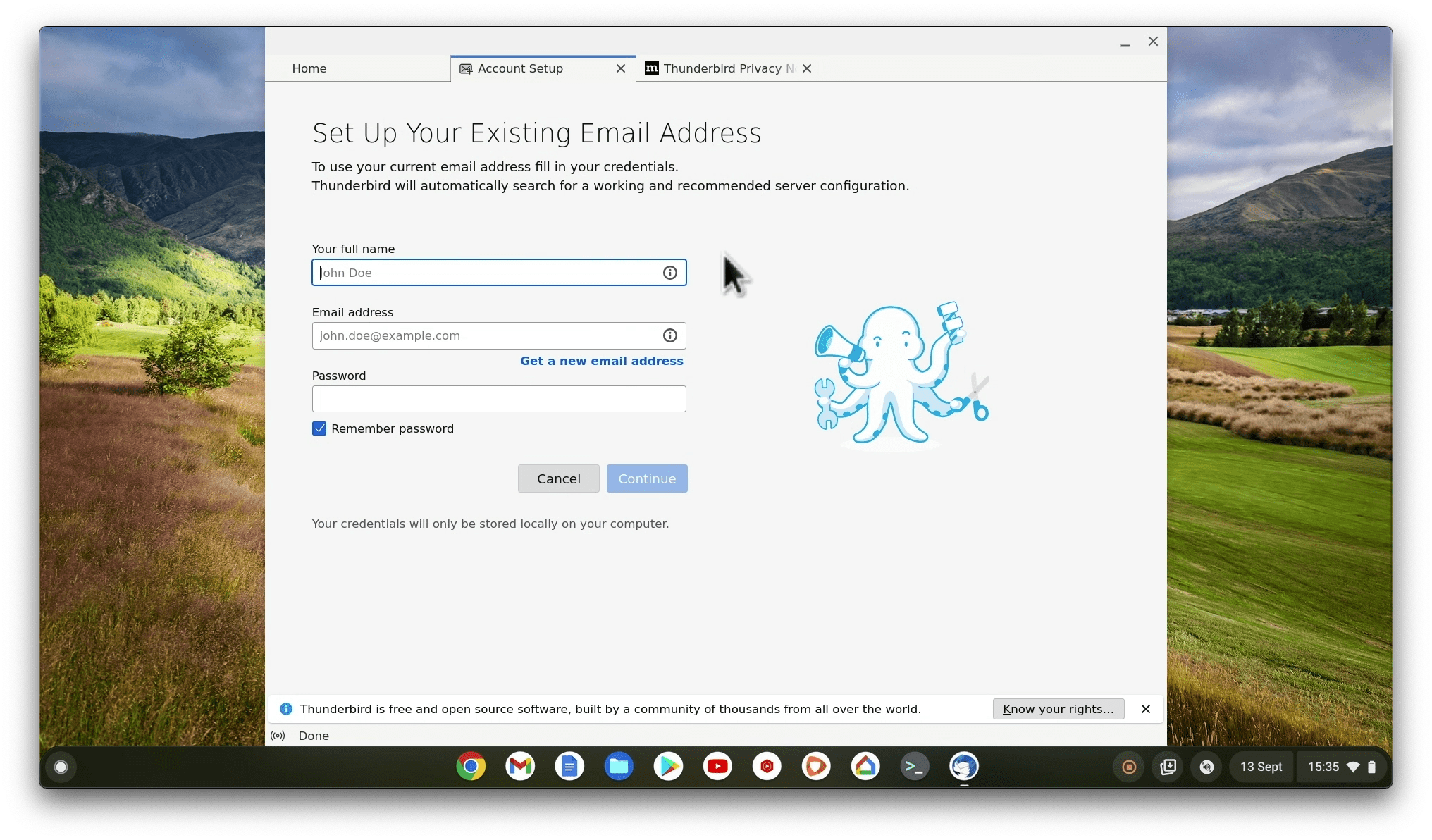
Hi! Per your Youtube video I successfully installed Linux on my Chromebook. (Much Thanks!)
However I can never get “pinch to zoom” on my touchpad to function while in Firefox although it works in the Chrome browser.
Any suggestions would be greatly appreciated.
Again, thanks for your videos they were REALLY helpful.
I don’t really use touchpad gestures myself so never noticed this problem. However, I think it might just require that something is installed on the Linux side of things, so that Linux can understand touchpad gestures. I’ll see what I can find out.