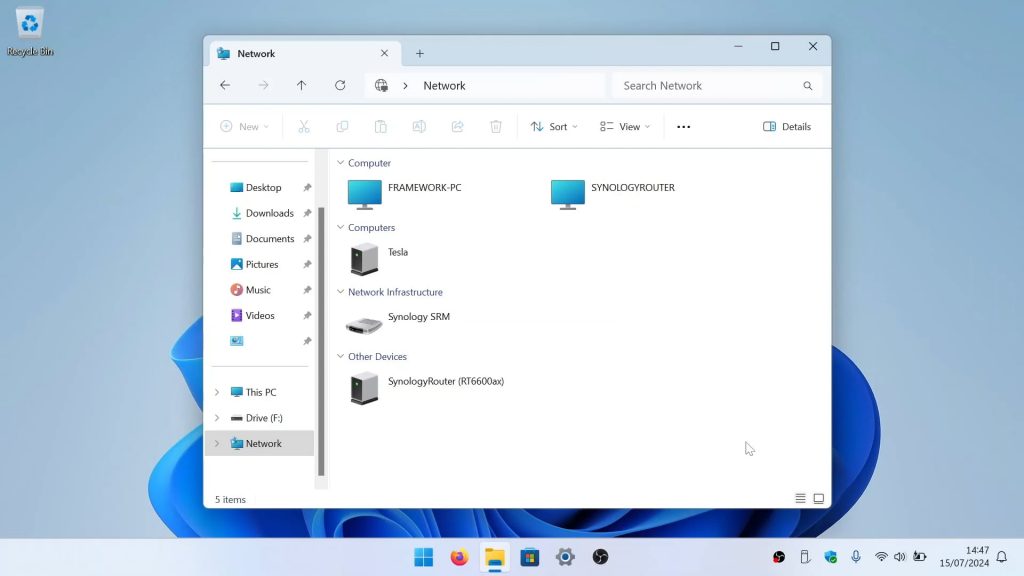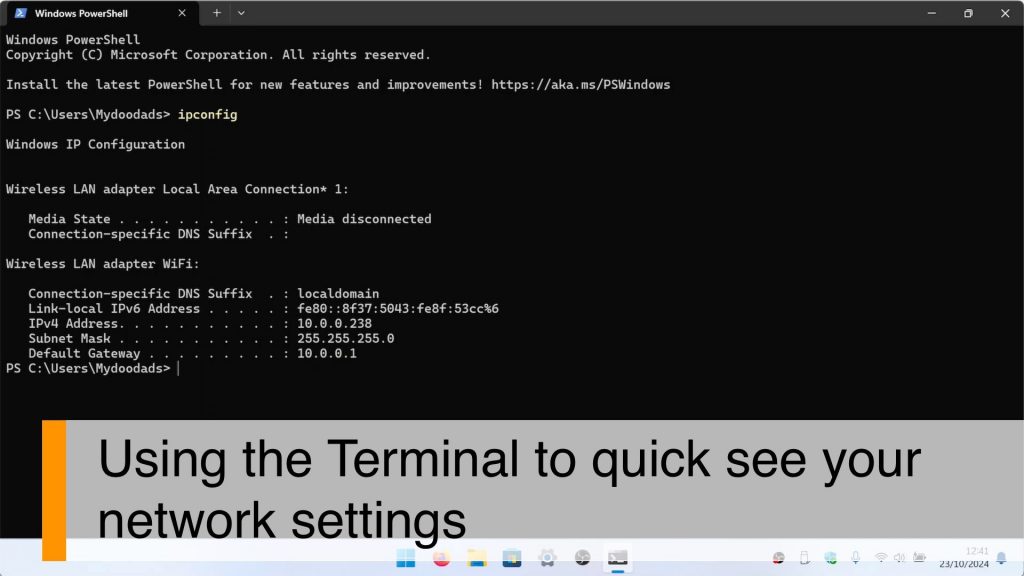




Mapping a network share to File Explorer is a breeze, but if you can remember the commands, it’s even faster to do it from a Terminal window. So in this video, we’ll show you exactly what you need to do.
Note: Just a heads up, depending on how you set up your local Windows user account and your network share user account, you might be asked to enter a username and password. If that happens, you’ll need to enter the credentials for the account you created on your file server. But if the user profile you use to log into Windows matches the user account details you created on your file server, Windows won’t prompt you for any user credentials when you connect to your network share.