


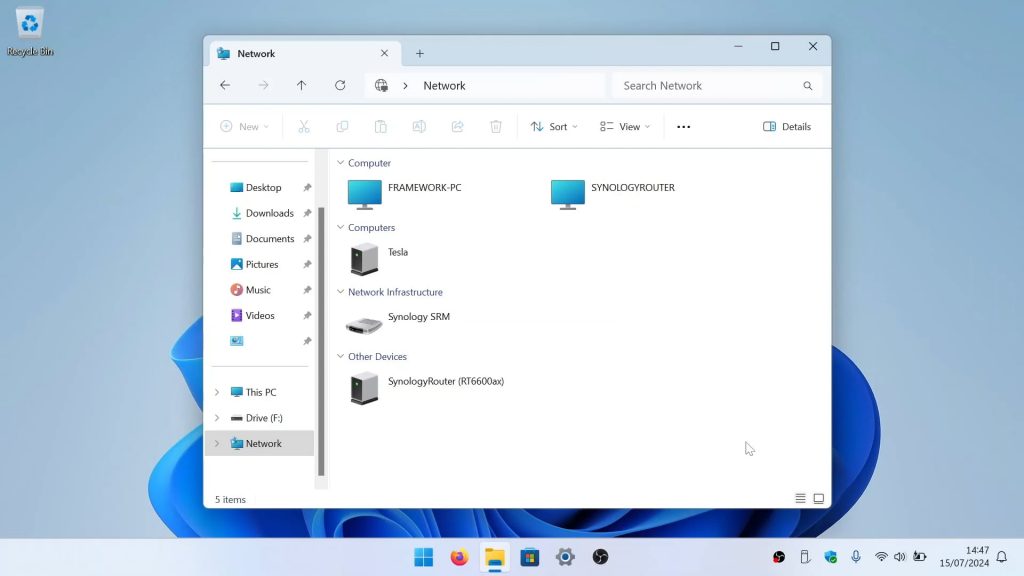
In this video, we take a look at how you access a network share from a Microsoft Windows computer. However as there are a number of ways to access network shares from within Windows. We are going to show you the three main ways we access our network shares.
In order to access your network shares, you will need the following information:
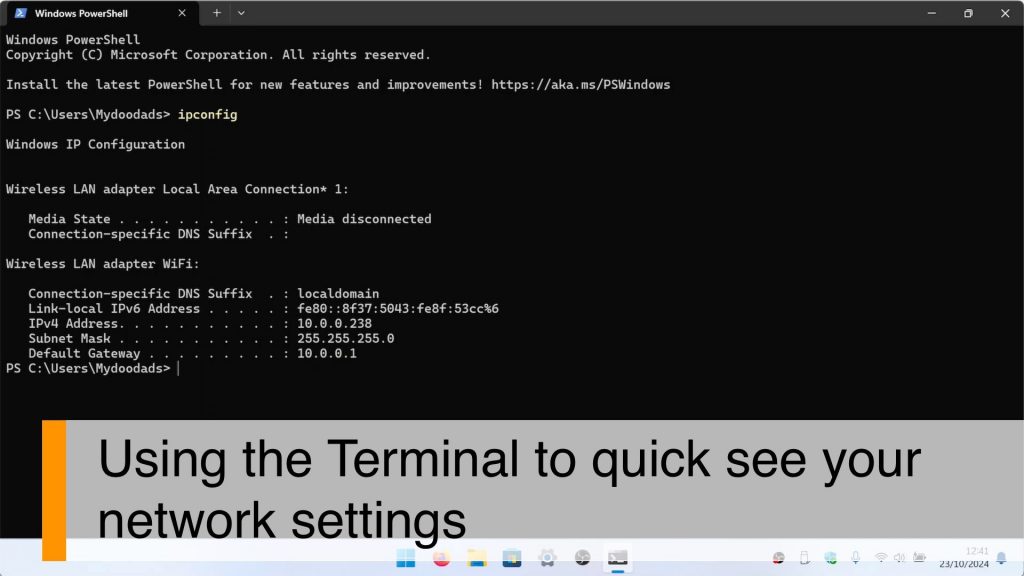
- The sub-domain name or IP address of your file server.
- A valid username and password in order to access your File Server.
- The name of the network share you wish to access.
Note: Depending on how your local Windows user account and your file server account have been configured. You maybe prompted to enter a user name and password. If this is the case you will need to enter the credentials for your file server user account. However if the user profile you use to log into Windows matches the user account you created on your file server. Windows will not prompt you for any user credentials when you connect to your network share.