



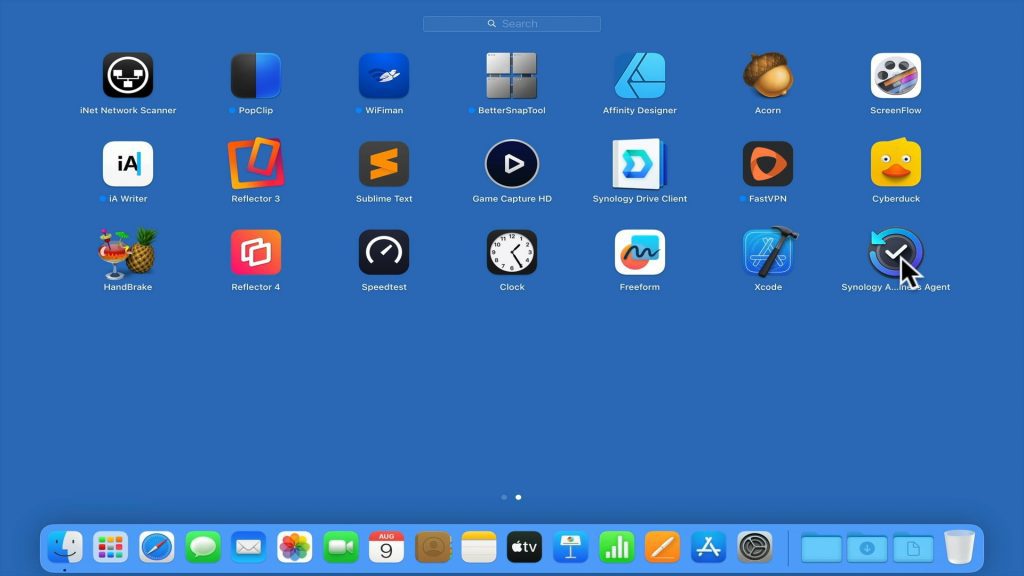
As the Synology Active Backup for Business agent on an Apple Macintosh computer, will hook itself into macOS. In order to fully uninstall the backup agent, you should use the uninstall script provided within the application.
Note: Most applications that you install onto macOS simply require that you drag and drop a package into the Applications folder of your computer. A few application do require that you use an installer. So while you can drag and drop the Synology Active Backup for Business agent into the Bin on your Dock. You might find that links or parts of the application, have not been fully removed from your computer.