When you install Synology photos onto your NAS, it will by default store all photos and videos in an individual users home folder. While this behaviour is by design, it is a problem if you want certain family memories to be accessible to all users of your NAS.
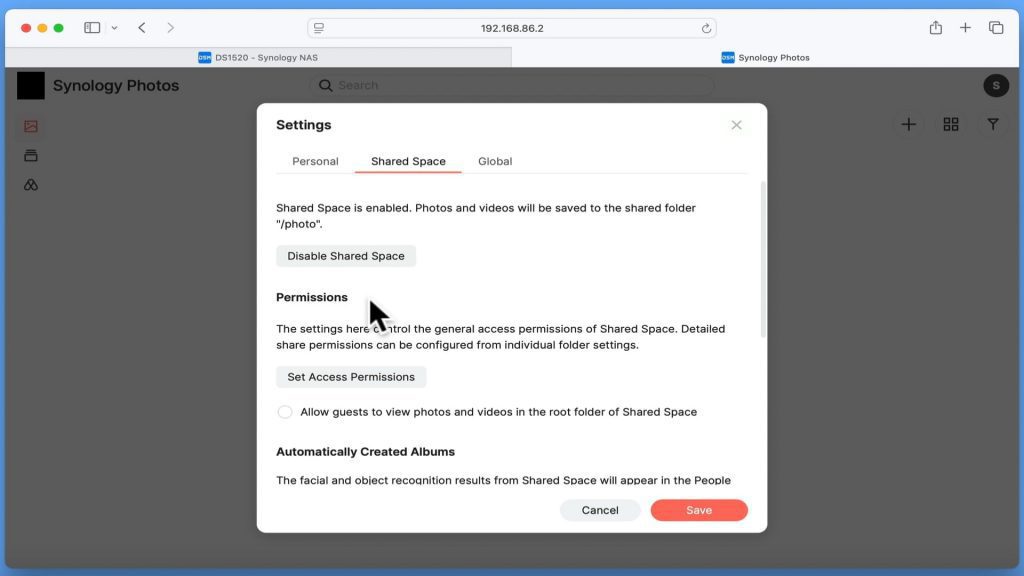
So to get around this problem we can have Synology Photos create something called a shared space. A shared space is a centralised location on our NAS, that all instances of synology photos can see either from the Synology photos web portal or the Synology photos app.
However as this network share has to be created through the Synology photos web portal. We are going to show you the settings you need to enable in order to make shared space work.