

This is a selection of videos relating to devices that are used as part of a home network’s infrastructure. This could include items like modems, switches, WiFi extenders and PowerLine adapters.
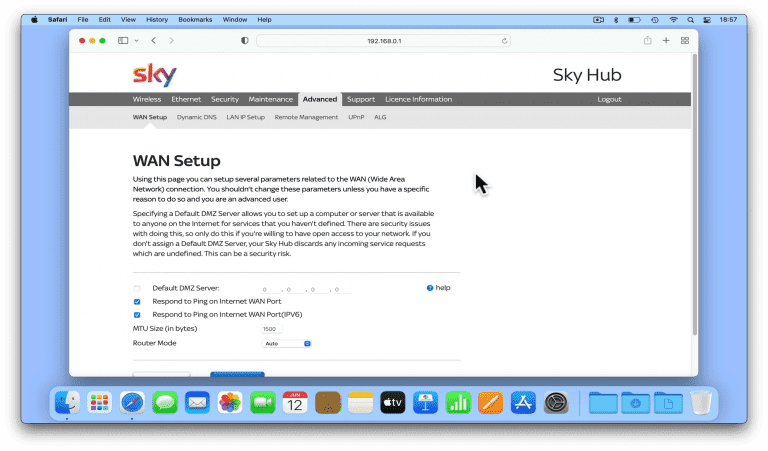
In this video we take a look at how you access the Advanced settings on a Sky Q Hub router. By default your Sky Q Hub router will have been configured by the service engineer who installed broadband into your home. However the settings that the…

In this video we look at the two different methods you can use to return a TP-Link R600VPN router back to factory defaults. This will remove all settings and configurations including any firewall rules you might have enabled. When you factory reset…
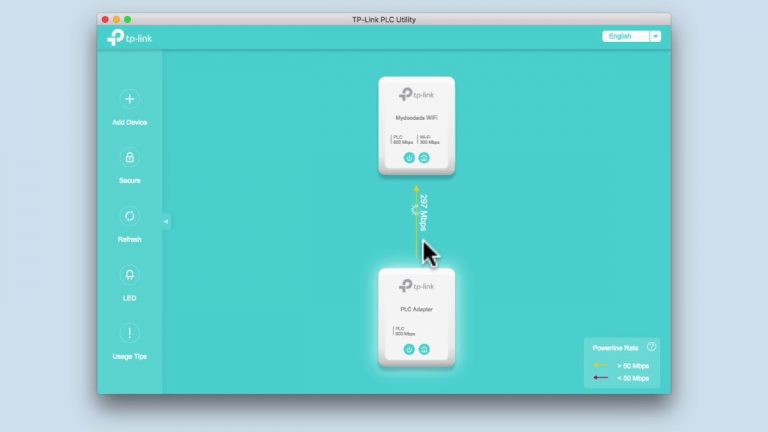
This video looks at how you factory reset a TP-Link Powerline Adapter…

In this video we look at how you return the TP-Link TL-WPA4226 Powerline extender back to factory defaults. As the TL-WPA4226 Power Line extender is a secondary element need to create a Powerline network. In order to extend and then establish a…

Extending your Home Network via existing electrical wires…
