
mydoodads.com
    • Tumblr
    • Reddit
    • YouTube
    • Amazon
    • Email
    • RSS
  • Home
  • Networking
    • WiFi networking
      • Setup a Synology Wireless Router
      • Synology Router Speedruns
      • Setup a Google Nest WiFi
    • Network Attached Storage
      • BeeStation
      • BeeStation Speedruns
      • Synology NAS (DSM 7)
      • Synology NAS (DSM 6)
      • Synology NAS tips
    • PowerLine networking
      • Setup a TP-Link AV600 PowerLine WiFi Extender
    • What’s in my tech toolkit
  • Operating Systems
    • Microsoft Windows
      • Windows terminal commands
      • Windows Networking tips and tricks
      • Troubleshooting tools for use with Microsoft Windows
    • macOS
      • macOS terminal commands
      • macOS Networking tips and tricks
      • Troubleshooting tools for use with a macOS
    • Chrome OS
      • Troubleshooting tools for use with a Google Chromebook
      • Chrome OS – Linux Development Environment
    • iOS
    • iPadOS
      • Using an Apple iPad with a Synology NAS
  • Software
    • Microsoft Word
    • Microsoft Excel
    • Miscellaneous applications
  • Games Consoles
    • Playstation
    • Nintendo
  • Internet of Things
    • Amazon Fire TV
    • Amazon Echo
    • Factory Reset
      • Amazon device resets
      • Apple device resets
      • Google device resets
      • TP-Link device resets
    • Apple TV
    • TP-Link
    • Miscellaneous Products
  • Members Area
    • Become a Member
    • View your Account Details
    • Courses
    • Login
    • Contact Us
  • ···
    mydoodads.com
      • Tumblr
      • Reddit
      • YouTube
      • Amazon
      • Email
      • RSS
    mydoodads.com
    • Home
    • Networking
      • WiFi networking
        • Setup a Synology Wireless Router
        • Synology Router Speedruns
        • Setup a Google Nest WiFi
      • Network Attached Storage
        • BeeStation
        • BeeStation Speedruns
        • Synology NAS (DSM 7)
        • Synology NAS (DSM 6)
        • Synology NAS tips
      • PowerLine networking
        • Setup a TP-Link AV600 PowerLine WiFi Extender
      • What’s in my tech toolkit
    • Operating Systems
      • Microsoft Windows
        • Windows terminal commands
        • Windows Networking tips and tricks
        • Troubleshooting tools for use with Microsoft Windows
      • macOS
        • macOS terminal commands
        • macOS Networking tips and tricks
        • Troubleshooting tools for use with a macOS
      • Chrome OS
        • Troubleshooting tools for use with a Google Chromebook
        • Chrome OS – Linux Development Environment
      • iOS
      • iPadOS
        • Using an Apple iPad with a Synology NAS
    • Software
      • Microsoft Word
      • Microsoft Excel
      • Miscellaneous applications
    • Games Consoles
      • Playstation
      • Nintendo
    • Internet of Things
      • Amazon Fire TV
      • Amazon Echo
      • Factory Reset
        • Amazon device resets
        • Apple device resets
        • Google device resets
        • TP-Link device resets
      • Apple TV
      • TP-Link
      • Miscellaneous Products
    • Members Area
      • Become a Member
      • View your Account Details
      • Courses
      • Login
      • Contact Us

    Playlist - iOS iPadOS and tvOS

    In this series of videos we include tips and tricks to help you when using Apple devices. This includes iPhones, iPads, and the AppleTV.
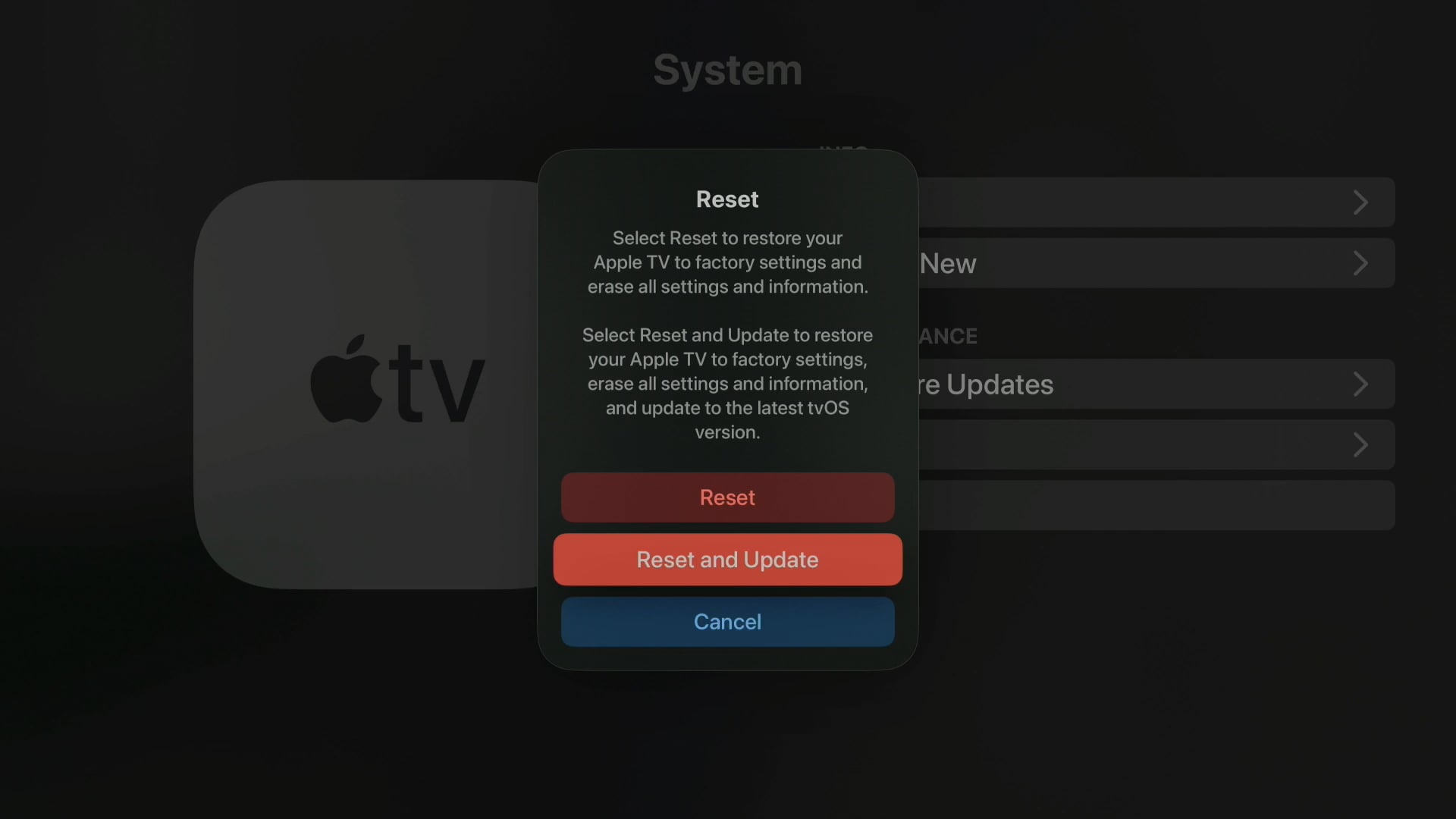
     

    Apple TV reset
    Video
    Apple

    How to Reset an Apple TV back to factory defaults

    3 min read
    transfer photos iPhone chromebook
    Video
    Chrome OS, Google, iOS

    How to transfer photos and videos from an iPhone to a Chromebook

    2 min read
    transfer photos iPhone macOS
    Video
    Apple, iOS, macOS

    How to transfer photos and videos from your iPhones to macOS

    2 min read
    disable autocorrect iPhone
    Video
    Apple

    How to disable autocorrect on an Apple iPhone

    2 min read
    iPad ip address
    Video
    iPadOS

    Using an iPad with a Synology NAS | Use a-Shell to find a website’s IP address

    2 min read
    voice calls on an iPhone
    Video
    Apple, iOS

    How to improve the quality of a voice call on an Apple iPhone

    2 min read
    iPad reset
    Video
    Apple, iPadOS

    How to factory reset an Apple iPad

    3 min read
    reset iPhone screen
    Video
    iOS

    How to factory reset an Apple iPhone (2023)

    3 min read
    Video
    iPadOS

    Using an iPad with a Synology NAS | Using a terminal command to find your public IP address

    1 min read
    Video
    iPadOS

    Using an iPad with a Synology NAS | Test you DNS server from a Terminal

    2 min read
    Video
    iOS

    How to hide multiple pages from the Home Screen on an Apple iPhone

    2 min read
    Video
    iPadOS

    Using an Apple iPad with a Synology NAS | Run a ping test using a terminal command

    2 min read
    1 2 3 4 Next

    Login


    Forgot Password

    Our site members

    Support This Site

    If you enjoy our content but don't want to be a site member. Please consider supporting us on Ko-fi to keep us ads free. Thanks for all your support
