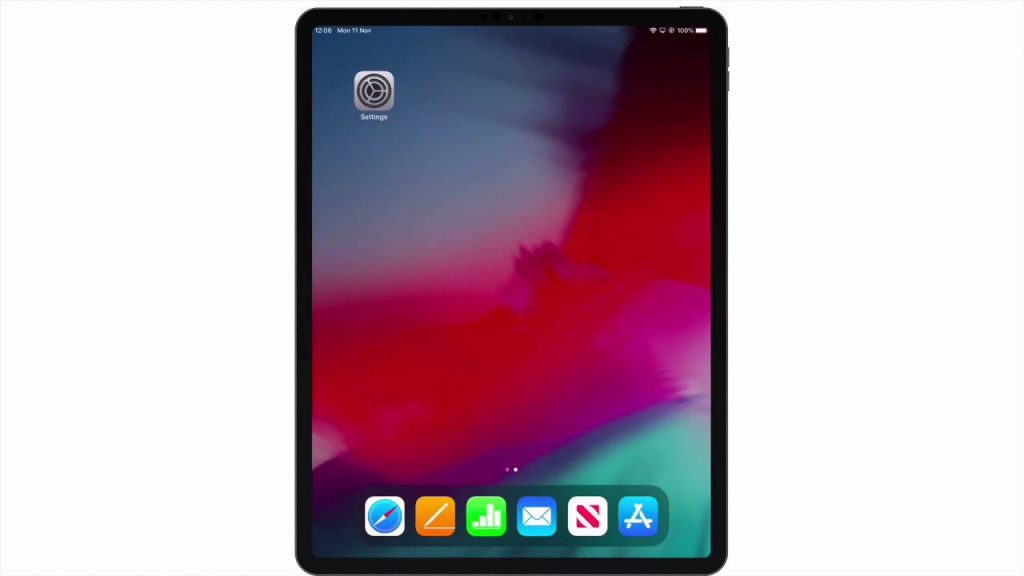
In this video we demonstrate how from an iPad you can find the IP address of a website or Synology NAS. However in order to make this process consistent with users of macOS. We will be using a terminal command. This terminal command was very useful when configuring DNS server on our NAS.
Note: As iPadOS does not have a terminal, we need to use a terminal emulator to run the command. In this video we used a free terminal emulator called a-Shell. The reason we like using a terminal emulator, is so we can use the same macOS terminal command on our iPad.