

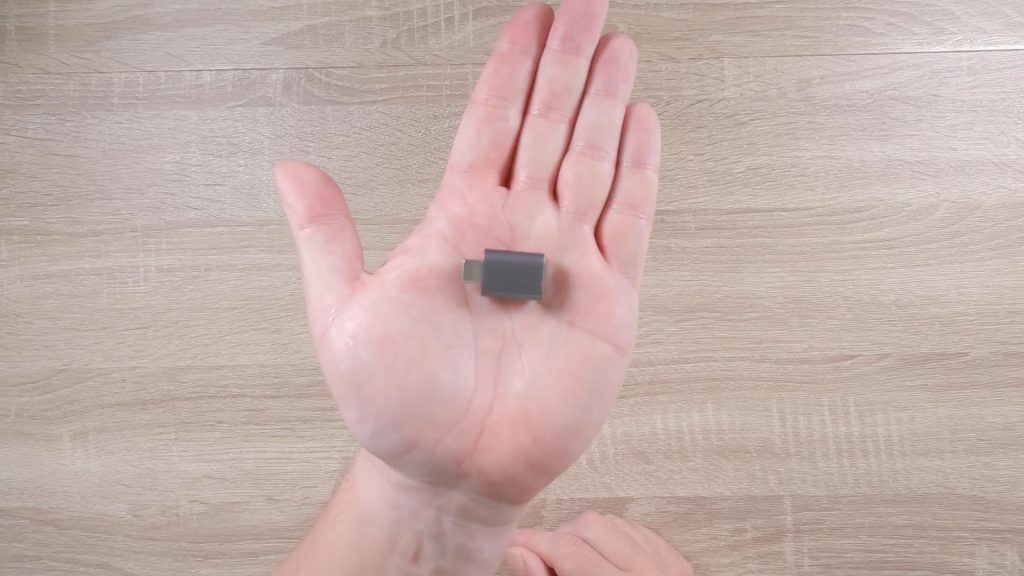




In this video, we take a look at how from an iPad, we can run a terminal command to test the local DNS server install on our Synology NAS.
Note: A Domain Name System (DNS) is like a phone book for a network, in that it converts IP addresses into domain names and vice versa. So after setting up a DNS server on our NAS, we need to test that it is working correctly. However as an iPad was not designed to be able to run terminal commands, we will be using an app called a-Shell.
While you do not have to use a local DNS server with your home network. It will help you to connect to network devices like your NAS, wireless router and printer.


