
This selection of videos contain various TP-Link branded IoT devices, that we have used around our home.
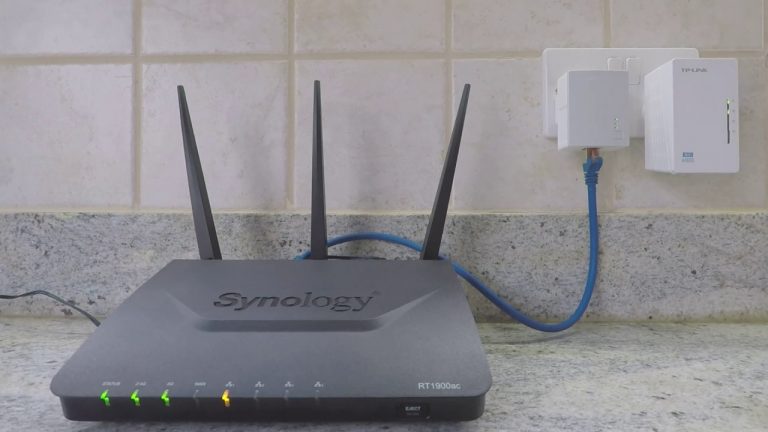
In this video we take a look at how, from a computer running macOS, we can find the IP address of a TP-Link AV600. As the IP address for the AV600 TP-Link Power Line WiFi extender, changed after we used the extender to extend the range of our WiFi…
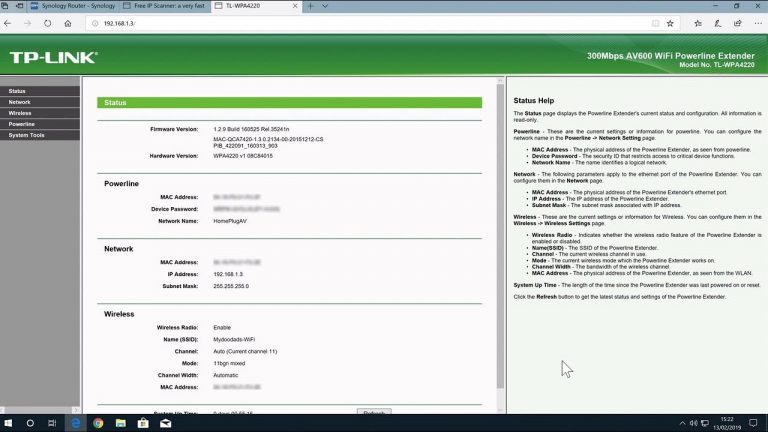
As the IP address for the AV600 TP-Link Power Line WiFi extender, changed after we used the extender to extend the range of our WiFi Network. In this video we take a look at how, from a computer running macOS, we can find the IP address of a TP-Link…
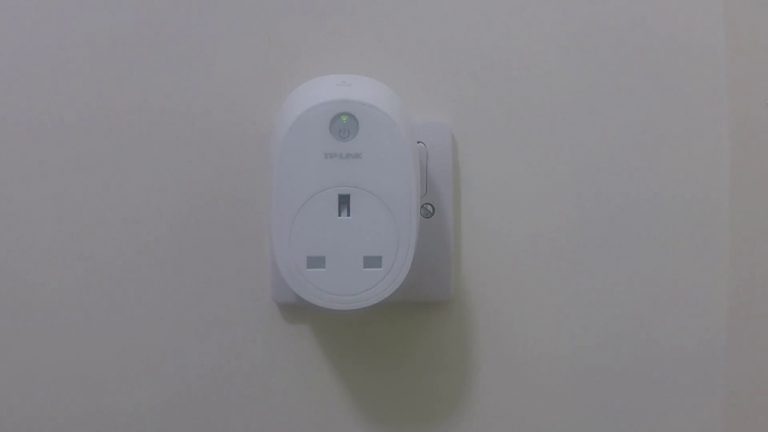
In this video we take a look at the scheduling options available in either the TP-Link HS110 or HS100 smart plug…

In this video we look at the two different methods you can use to return a TP-Link R600VPN router back to factory defaults. This will remove all settings and configurations including any firewall rules you might have enabled. When you factory reset…
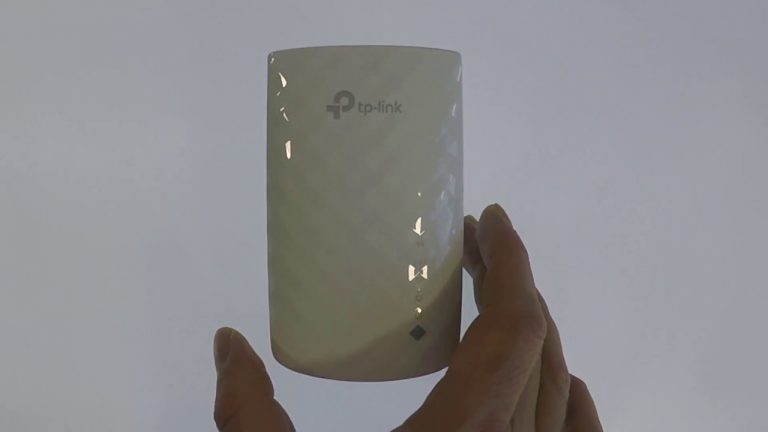
In this video we take a look at the simplest method for factory resetting a TP-Link AC750 WiFi Extender. When you complete a factory reset the username and password to access the web based setup utility will be returned to admin. This is admin in…
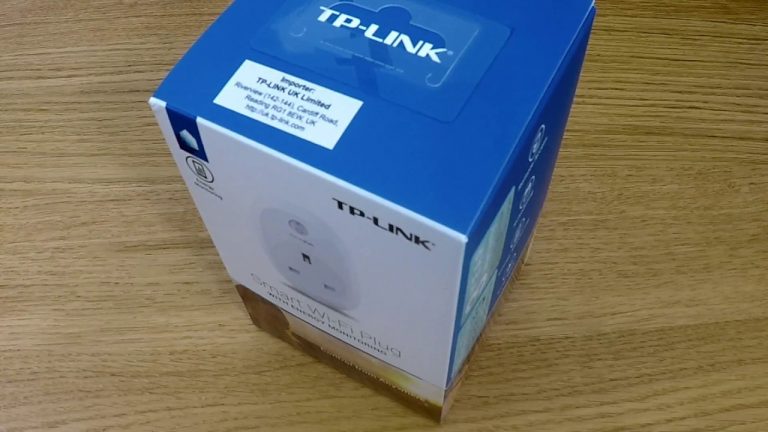
In this video we take a look at how you perform a factory reset of the TP-Link HSxxx series of WiFi Smart Plugs. When you perform a factory reset you will be returning the TP-Link smart plug back into the same state that it left the factory. The plug…
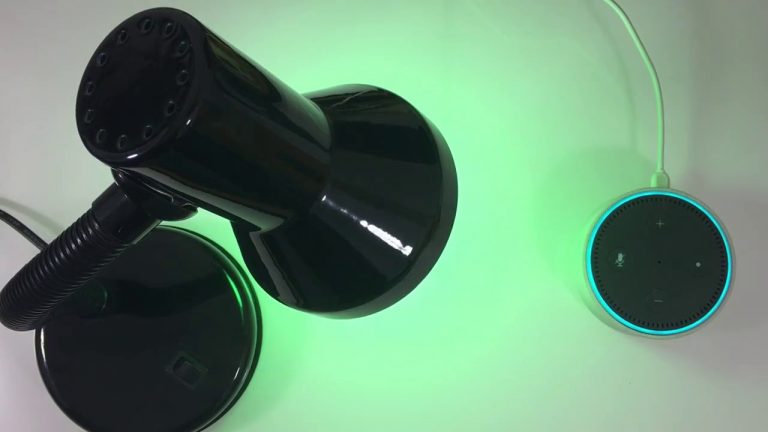
In this video we look at how you can enable voice activation of a TP-Link Smart Bulb (LB100 series) using Amazon Alexa. This process will allow you to voice control either the TP-Link LB100, LB110, LB120 or LB130 Smart Bulbs. Examples of voice…
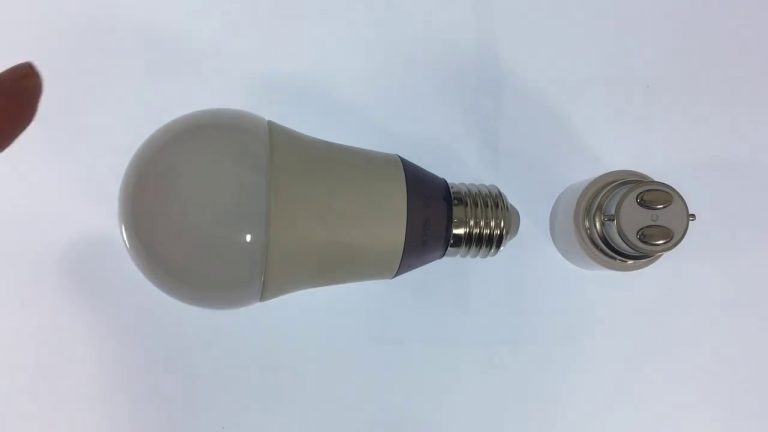
In this video we look at how you connect a TP-Link LB100 series Smart Bulb to your home wireless network. This is done via the TP-Links Kasa App which is available for iOS and Android devices. …
