





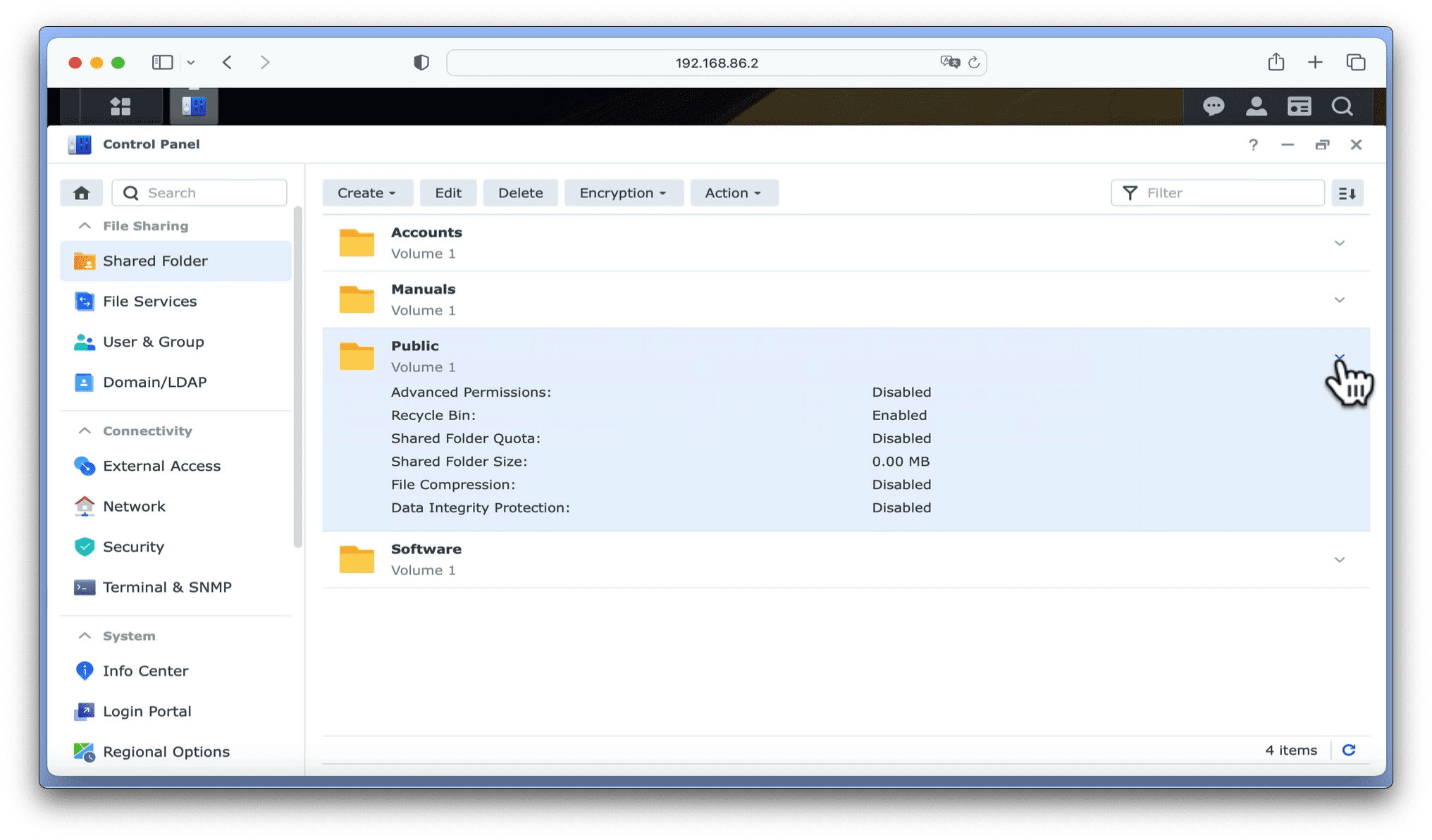
In this video we will show you how to create folder shares on a Synology NAS. This will be done through Control Panel, by creating four network shares; Accounts, Manuals, Software and Public. While these folders are only suggestions as to the sort of network shares you can create. The Manuals and Public shares will make useful inclusions on any NAS.
As we currently have no network shares, we will be using the Shared Folder Creation Wizard to initially create our shares. However, once a network share has been created, by highlighting and selecting Edit. We can adjust or make changes to the settings for any shares that we create.
Note: As we will be using Synology packages to turn our NAS into a media server. We will not be creating shared folders for our Photos, Audio or Video files. Instead these folders will automatically get created when we install the applications: Synology Photos, Video and Audio Station.


