Latest PostsmacOSmacOS troubleshooting17th September 2026 How to make recovery media for Apple Macintosh computers
Latest PostsSynology NAS tips10th September 2026 Synology NAS | Connecting the Synology Photos app via QuickConnect
Synology Network Attached Storage (DSM 6)byEditorial Team6th July 2018 How to setup a Synology NAS Part 9: Creating Network Folder Shares
Synology Network Attached Storage (DSM 6)byEditorial Team22nd June 2018 How to setup a Synology NAS Part 8: Creating User Accounts
Synology Network Attached Storage (DSM 6)byEditorial Team15th June 2018 How to setup a Synology NAS Part 7: Password Rules and Reviewing Advanced User Account Settings
Synology Network Attached Storage (DSM 6)byEditorial Team8th June 2018 How to setup a Synology NAS | Part 6 | Reviewing user account settings
Synology Network Attached Storage (DSM 6)byEditorial Team25th May 2018 How to setup a Synology NAS Part 5: Review and Enabling File Services
Synology Network Attached Storage (DSM 6)byEditorial Team18th May 2018 How to setup a Synology NAS Part 4: How to assigning a static IP address to your NAS
Synology Network Attached Storage (DSM 6)byEditorial Team4th May 2018 How to setup a Synology NAS Part 3: A quick tour of Disk Station Manager (DSM) user interface
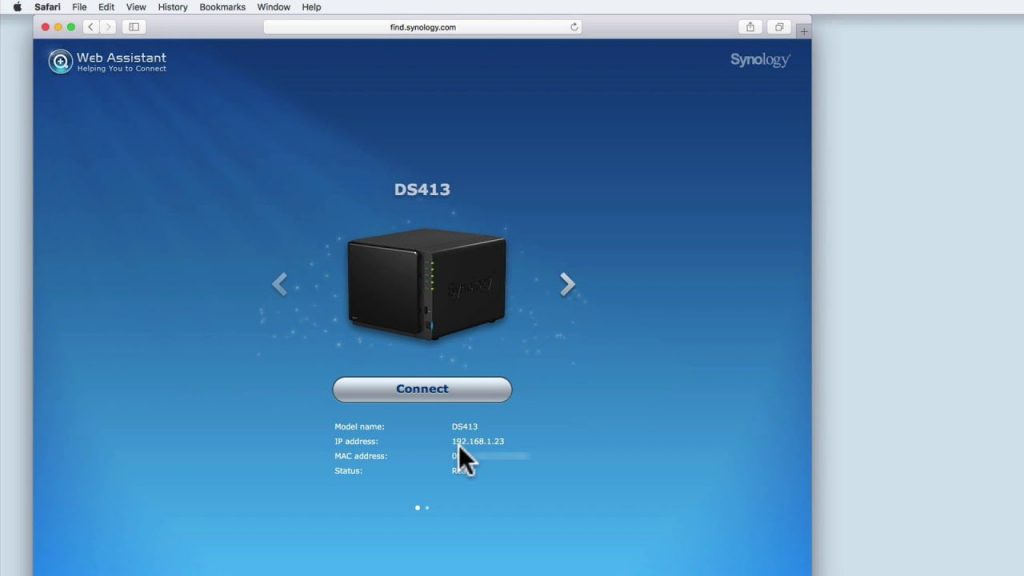
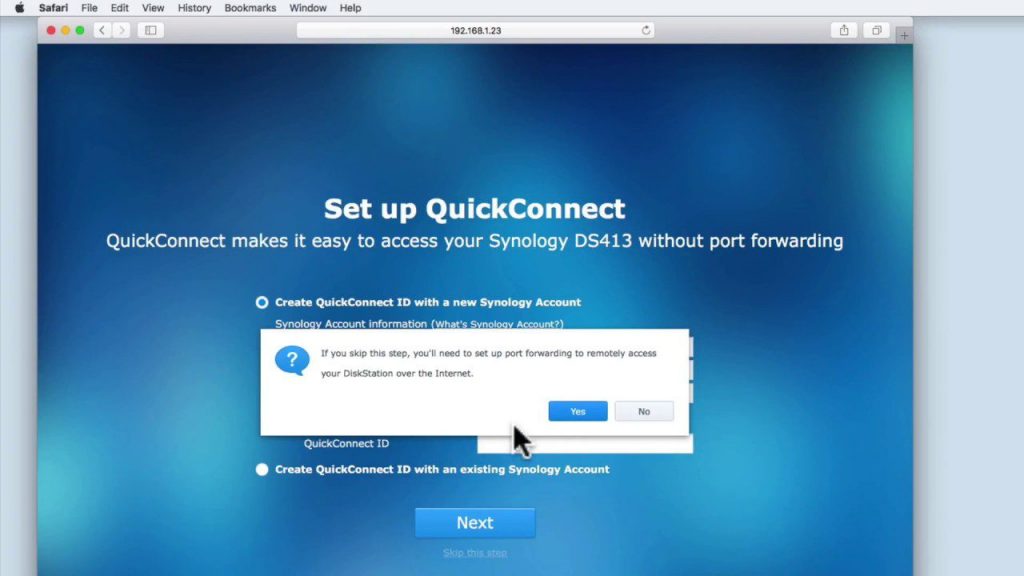
Synology Network Attached Storage (DSM 6)byEditorial Team26th April 2018 How to setup a Synology NAS Part 2: The Installation of DSM and its initial setup and configuration
Synology Network Attached Storage (DSM 6)byEditorial Team19th April 2018 How to setup a Synology NAS Part 1: Familiarising yourself with a Synology NAS