Latest PostsWhat's in my tech tool kit21st June 2026 What’s in my tech toolkit | MSI MP161 portable monitor
Chrome OSChrome OS troubleshootingLatest Posts18th June 2026 How to boot the recovery media to reinstall ChromeOS
Chrome OSChrome OS troubleshootingLatest Posts11th June 2026 Make recovery media for a Google Chromebook.
Synology Network Attached Storage (DSM 6)byEditorial Team4th July 2020 How to setup a Synology NAS (DSM 6) – Part 39: Enable 2-Step Verification
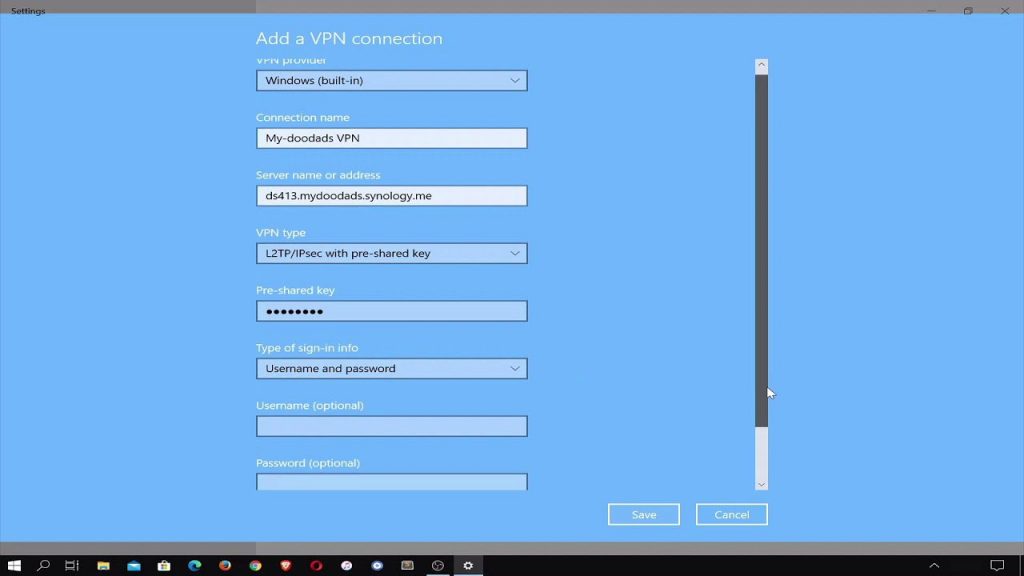
Synology Network Attached Storage (DSM 6)byEditorial Team15th May 2020 How to setup a Synology NAS Part 38: Configuring the Windows 10 VPN Client to use L2TP/IPSec
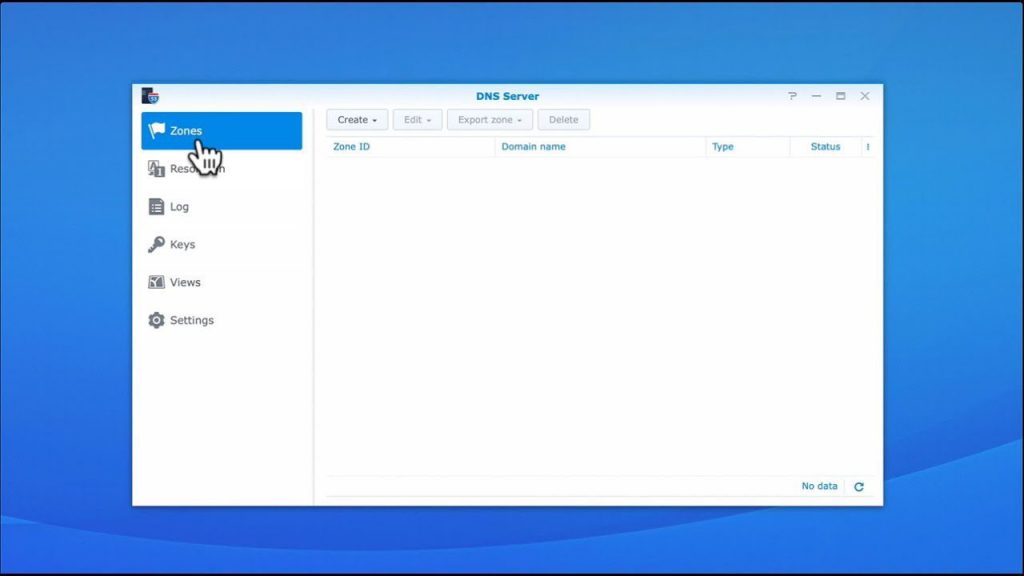
Synology Network Attached Storage (DSM 6)byEditorial Team18th April 2020 How to setup a Synology NAS Part 37: Installing and configuring DNS server (to fix VPN Server)
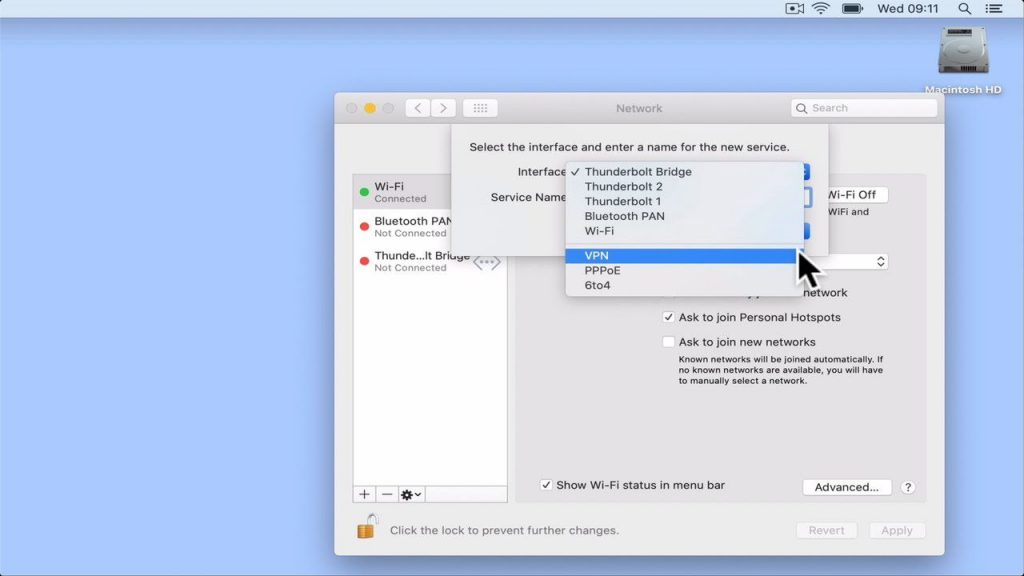
macOSSynology Network Attached Storage (DSM 6)byEditorial Team28th March 2020 How to set up a Synology NAS: Configuring macOS VPN Client to use L2TP/IPSec.
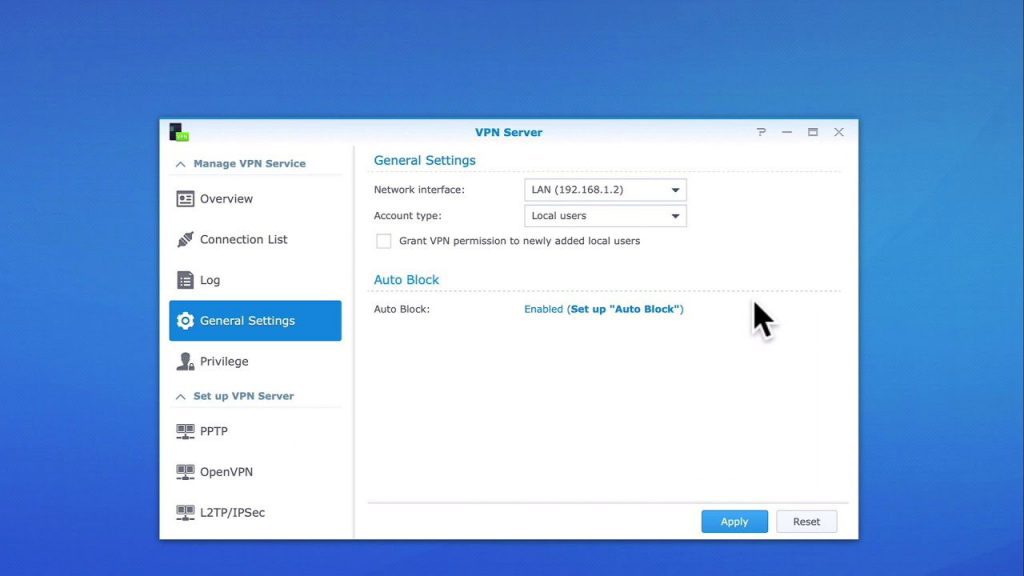
Synology Network Attached Storage (DSM 6)byEditorial Team7th February 2020 How to Setup a Synology NAS Part 35: Installing and Configuring L2TP/IPSec on VPN Server
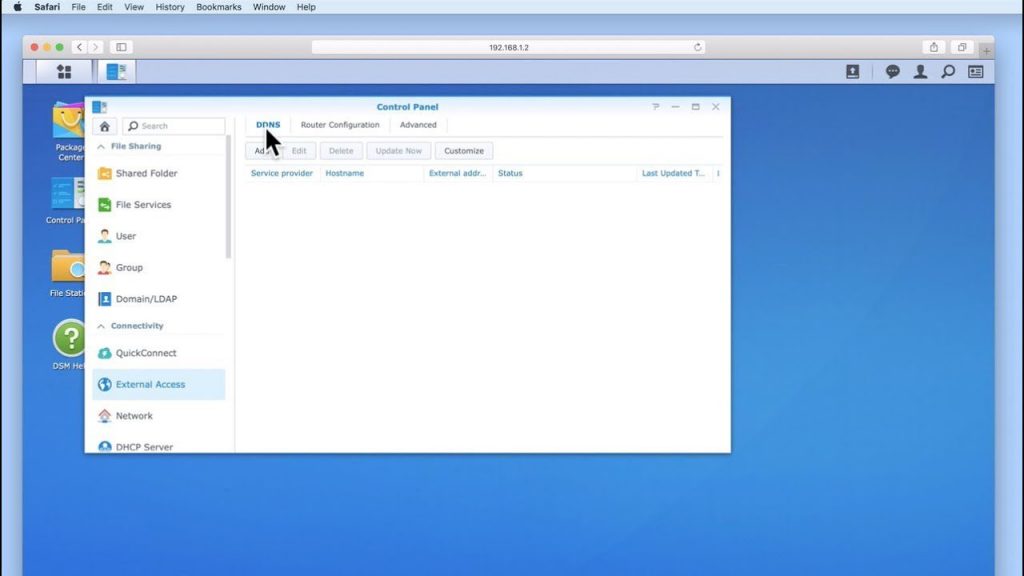
Synology Network Attached Storage (DSM 6)byEditorial Team11th October 2019 How to set up a Synology NAS Part 34: Configuring external access.
Synology Network Attached Storage (DSM 6)byEditorial Team13th September 2019 How to set up a Synology NAS Part 33: Enable and configure the firewall.
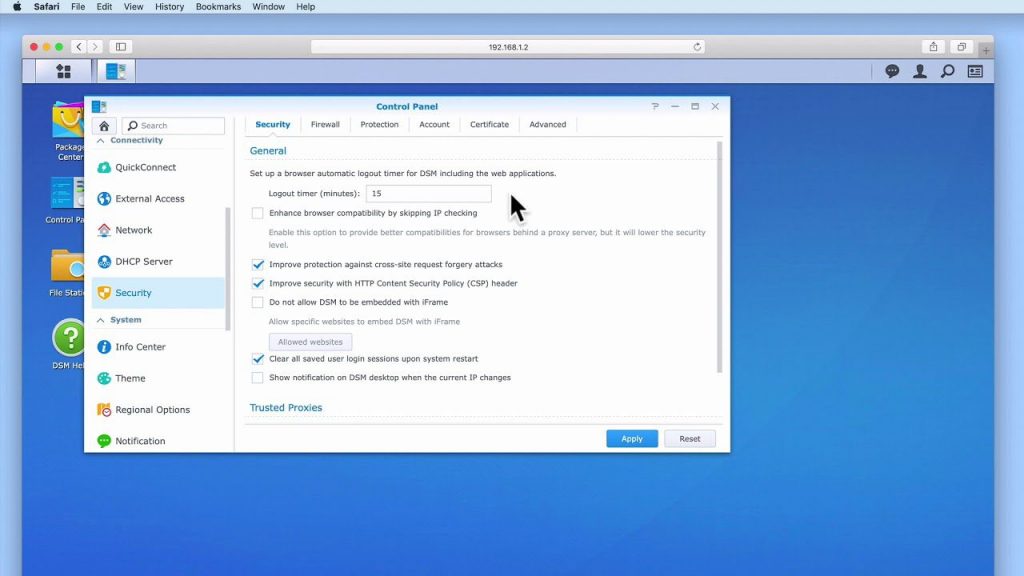
Synology Network Attached Storage (DSM 6)byEditorial Team19th July 2019 How to setup a Synology NAS Part 32: Security settings to consider enabling
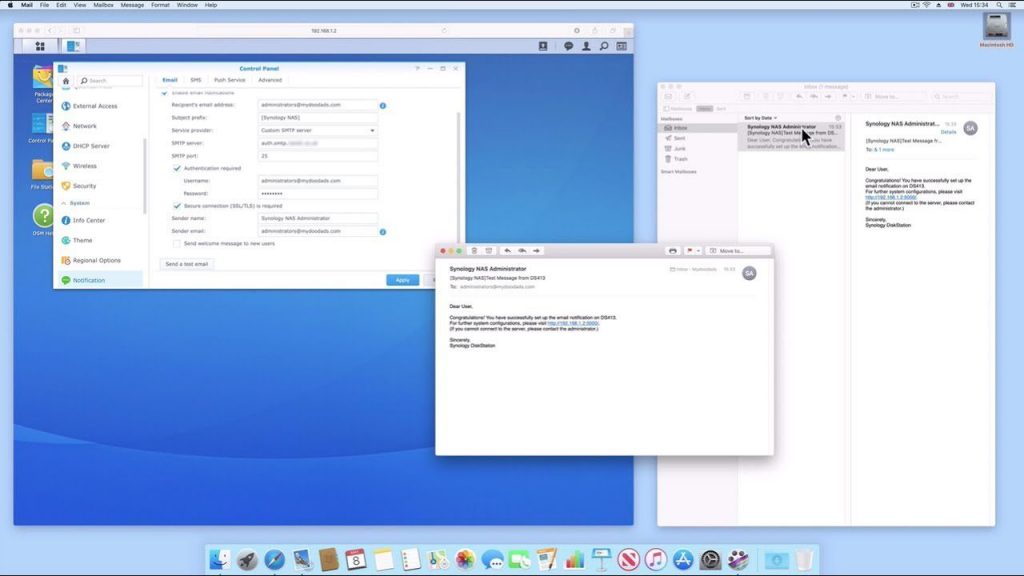
Synology Network Attached Storage (DSM 6)byEditorial Team14th June 2019 How to setup a Synology NAS Part 31: How to configure Email Notifications
Synology Network Attached Storage (DSM 6)byEditorial Team24th May 2019 How to setup a Synology NAS Part 30: Configure Hyper Backup to create an offsite backup