


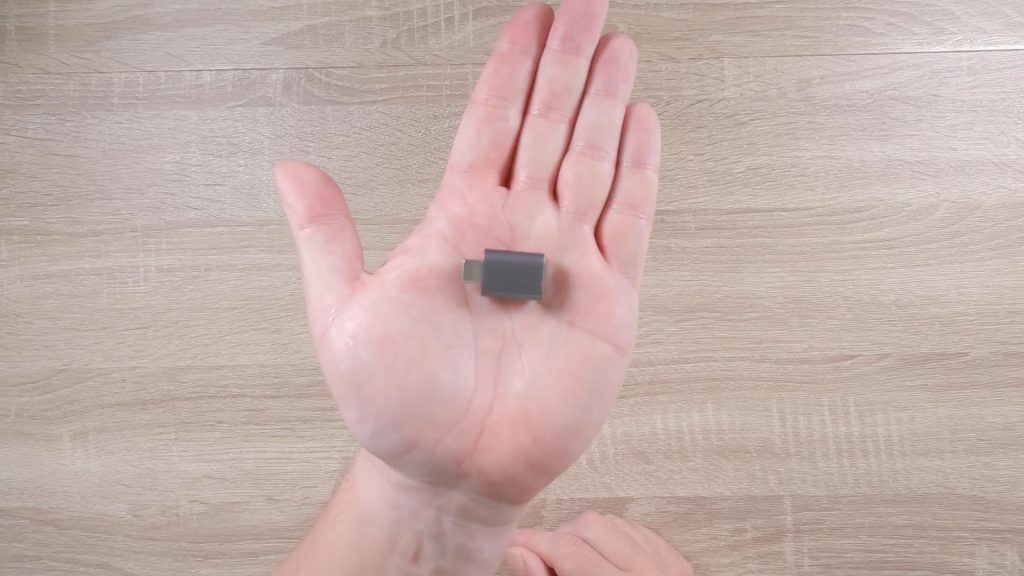
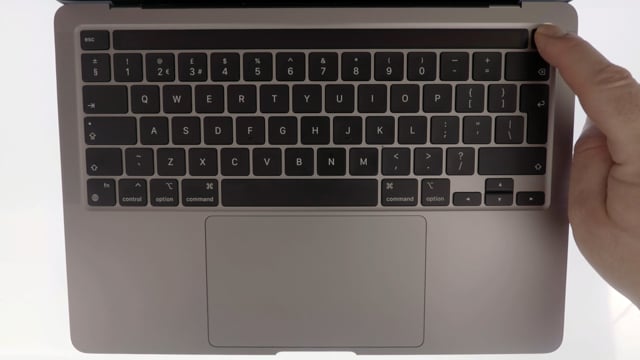
In this video we demonstrate how on an Apple Macintosh computer, you can boot from a USB Flash drive. Typically you would want to boot from a USB Flash drive if you need to reinstall macOS from a USB recovery drive or you want to try out a Linux distro without installing it on your Mac.
Note: At the time of posting, a Mac running on Apple Silicon (M1 Processors) can not run Linux. However, progress is being made so that Linux distro’s can be run on Apple Silicon hardware. So hopefully we will start to see Linux distro’s running on Apple Silicon in 2022.
Note: While we talk specifically about USB flash drives in the video. You could also connect and boot from an USB external Hard Drive.