





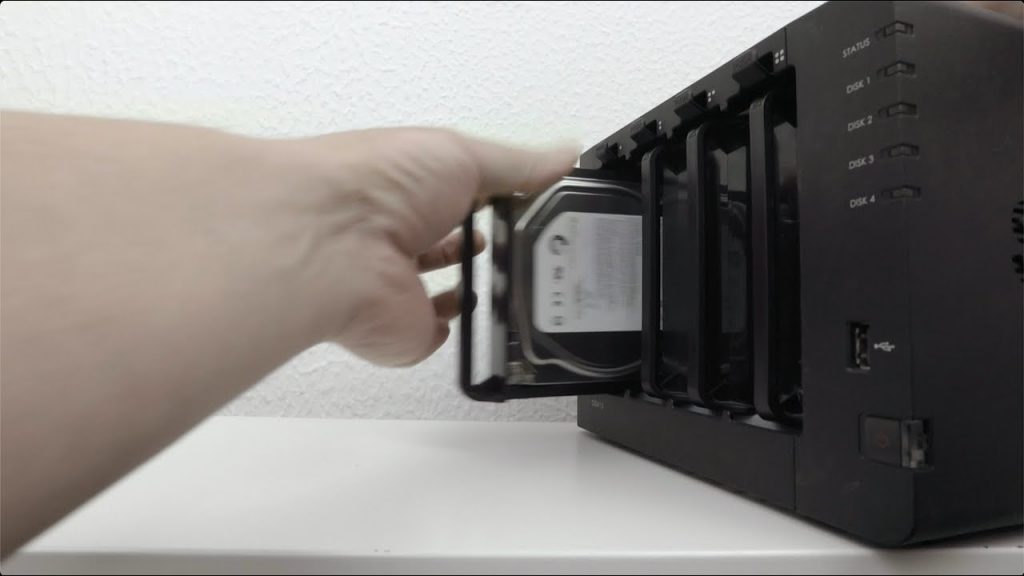
In this video we demonstrate how you decommission a Synology NAS. While a Synology NAS can have a useful life for up to 10 years. At some point it will need to be replaced and you will have to decommission it. So the main aim when you decommission your Synology NAS is to ensure that any data that was stored on your NAS remains secure, and can-not be recovered from your old hardware.
Note: While we specifically looked at secure wiping mechanical hard drives. For Solid State Drives we recommend that you simply encrypt the whole of the SSD and then format that drive. As the encryption key will have been lost after you format the drive, any data should be near impossible to recover.
The process of securely wiping a mechanical hard drive will take a considerable amount of time. So the larger the drive the longer it will take. So when you decommission your Synology NAS, make sure that you leave yourself plenty of time to wipe the drives.


