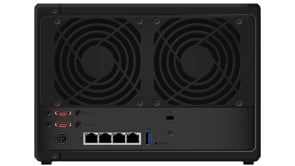
In this video we take a look at how you perform a factory reset on a Synology NAS running Disk Station Manager (DSM) 7. Typically we would use a factory reset, as a way to wipe our NAS so that we can set it up from scratch.
Note: As performing a factory reset will not securely wipe the data from any hard drives in your NAS. We recommend that you perform a secure wipe on all your drives, before you sell or give away your NAS. For more information on how to perform a secure wipe in Windows or macOS please see the following video –