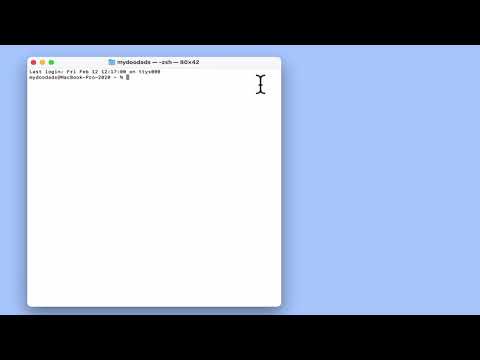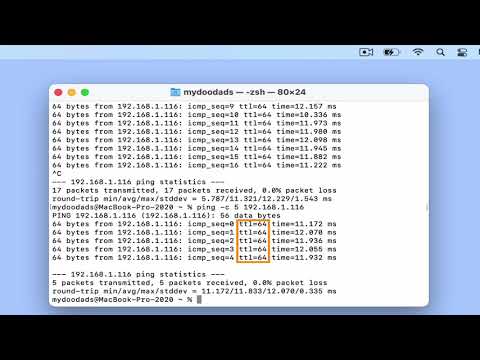
In this video we take a look at a macOS terminal command, that will allow us to run a Ping test from our Apple computer. A Ping test is a handy troubleshooting tool, that can help you to determine if a device is connected to your home network. It does this by transmitting data packets to a specific IP address to confirm or deny that there is a connection between two networked devices.
Note: In this video we make reference to Time to Live (TTL) as a method that can help you determine the operating system of the device you have pinged. The following link lists the TTL value for individual operating systems or devices. https://subinsb.com/default-device-ttl-values/