



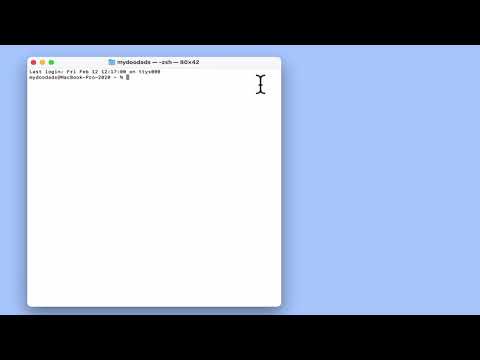
In this video we take a look at a macOS terminal command, that will allow us to query the details a DHCP server sends to our computer. This command can be useful to check the configuration of your DHCP server.
Note: As a general rule, if you are working from a laptop the device name of your WiFi adapter will be en0. However if you are working from a desktop computer, the network port will be en0, while the WiFi port will be en1.