If you suspect that the hardware in your Apple Macintosh computer has become faulty. By using a tool built into macOS called Apple Diagnostics, you can check the internal components in your computer to see what might be causing a problem or find system failures.
A diagnostic test will take about 2 to 5 minutes. It’ll check your computer’s RAM, power controller, logic board, battery, and wireless modules. If there’s an error, you’ll get a reference code. You can look it up yourself or ask an Apple-certified engineer for help.
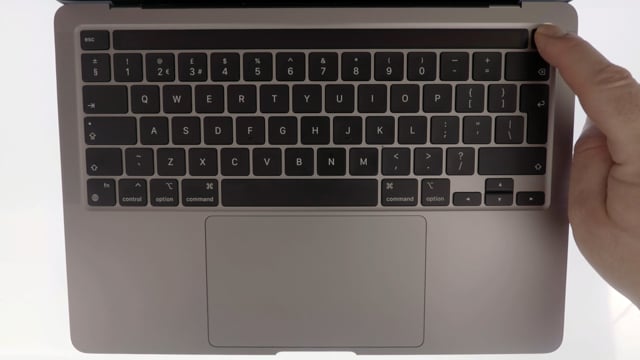
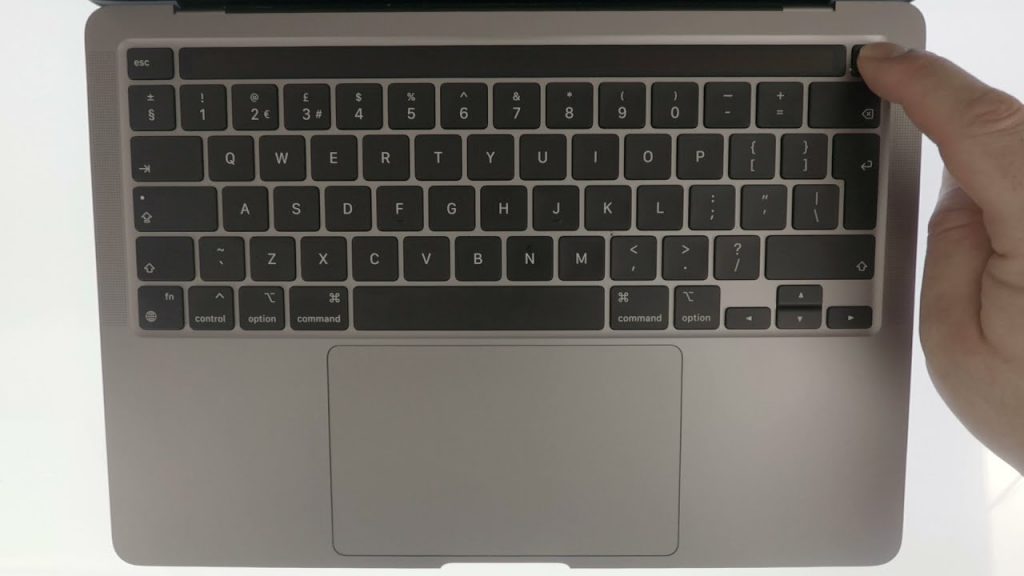
Note: Just a heads up, the method shown in this video for accessing Apple Diagnostics is for any Apple Macintosh computers with Apple Silicon hardware. If you have an Apple Macintosh computer with Intel hardware, the process is a bit different.