
As Microsoft Windows is a complex operating system, it can go wrong. So when we encounter problems with our instance of Windows. Once we have a fix we like to document them here.
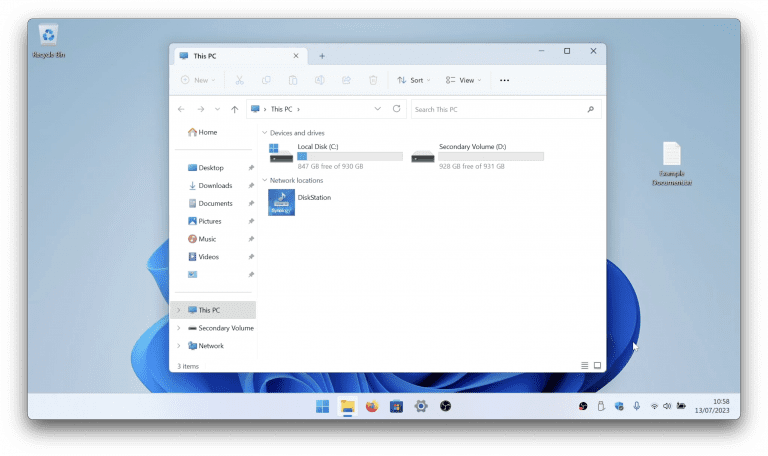
In Windows 11, file extensions are hidden by default, making it tough to figure out what a file is. But hey, we’ve got a trick up our sleeves! In this video, we’ll show you how to reveal those hidden file extensions and make your computer a little…

While Microsoft has made it more difficult to sign into Windows using a local account. If you are someone who prefers to use a local user account rather than a Microsoft account. In our quick notes we provide you with a number of different options to…
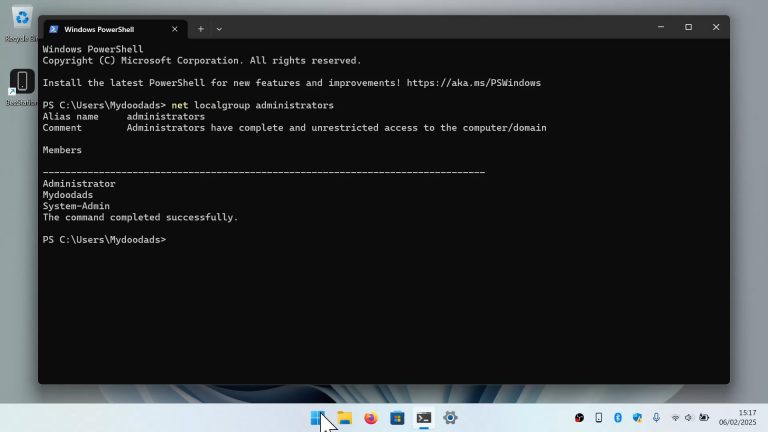
It’s very important to regularly monitor all the accounts that have been created on your Windows computer. Particularly with regards to determining which user accounts have administrative privileges. The reason this is important, is that in…

Did you know that the Start button in Windows 11 has a secret menu? Many people don’t know about it, but it’s super handy! It has quick ways to access some of Windows’ most important functions and settings. For instance, if you need to open a…
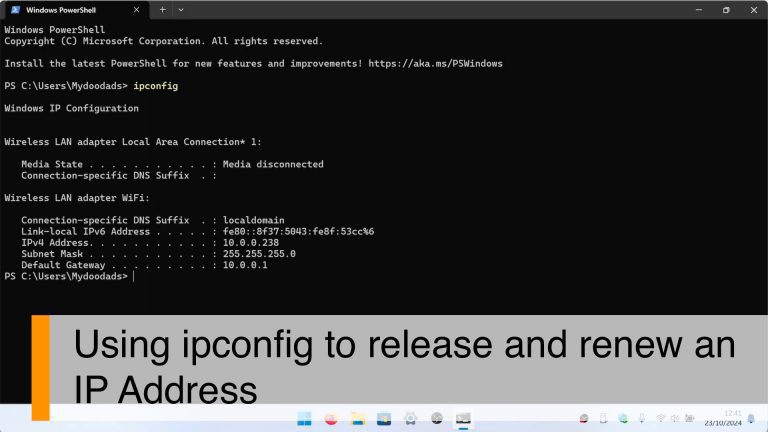
In this video we demonstrate how using a terminal command in Windows. You can quickly release and renew the network settings on your computer. Something that is very useful to know if you have to setup or reconfigure the DHCP server on your network…

After configuring the firewall on your Synology NAS, you might want to test a specific port to see if it is open or closed. So in this video we demonstrate how from Windows 11, you can use a terminal command to test a firewall port. Note: When…

If you’re having trouble with your WiFi or just want to know what kind of WiFi your computer can handle, you can use a terminal command to find out which wireless standards will work with it…

If you’re having trouble loading Windows, there are a few tools you can use to troubleshoot or fix the problem. So in our video, we’ll show you how to access Advanced Startup and give you a quick overview of the tools on offer. Notes: Before using…

The IPconfig command is a super useful tool in the Windows terminal. It can give you all the info you need about your computer’s network adapters, but it can also do other cool things like renew your DHCP lease or clear your DNS cache. Note: Quickly…
