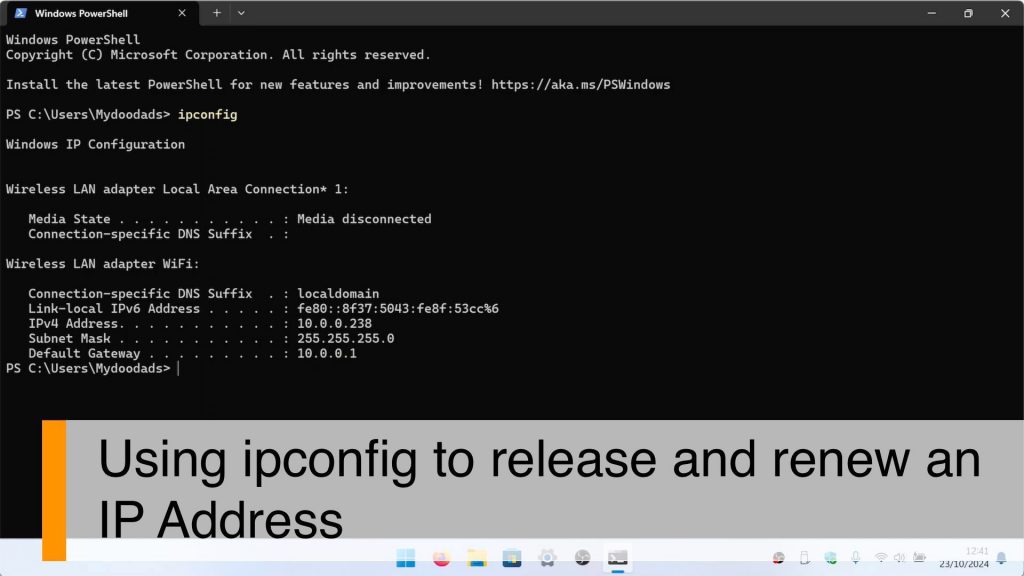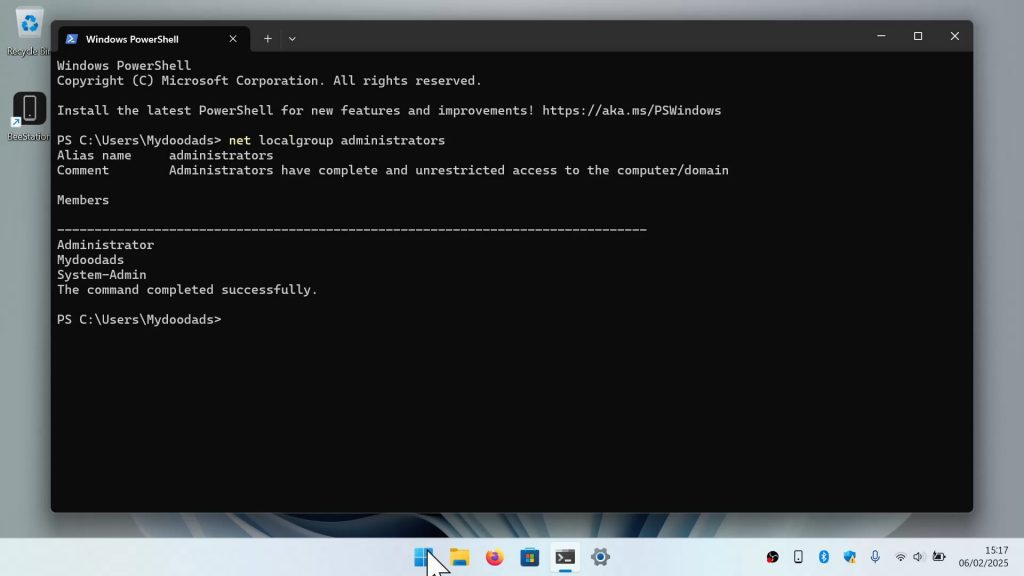




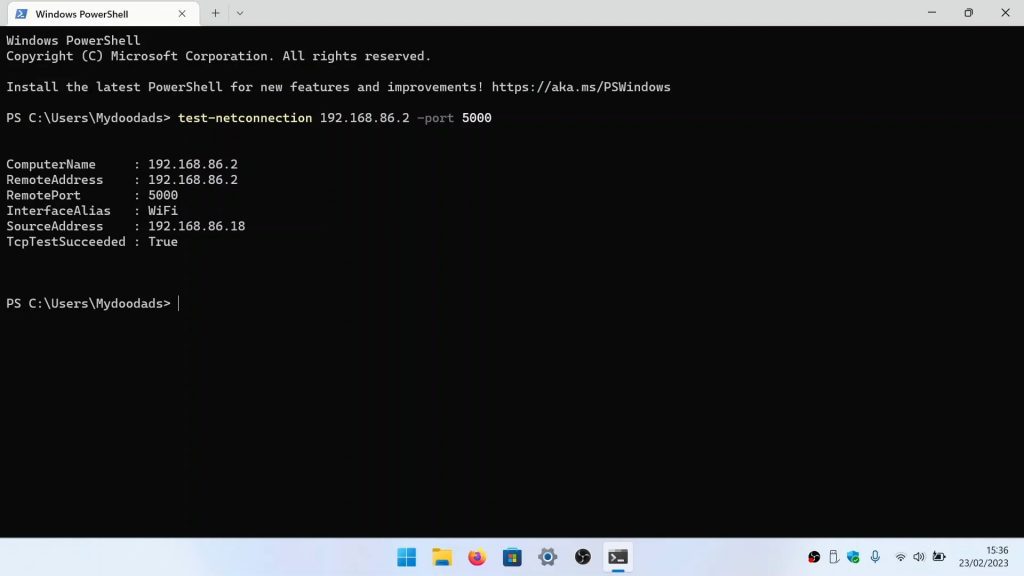
After configuring the firewall on your Synology NAS, you might want to test a specific port to see if it is open or closed. So in this video we demonstrate how from Windows 11, you can use a terminal command to test a firewall port.
Note: When discussing firewall ports you will see reference to ports being open, closed and stealth. While open and closed ports are fairly self explanatory, stealth is a bit different. When a port is probed, it will respond to being either open or closed. However the idea of a stealthed port, is that when it is probed, it simply does not respond. So this behaviour is seen as a security feature, as the person doing the probing will presume there is no device behind the probed port and move on to their next target. However as not all services will work if a port is stealthed, and as certain services will have to use default ports, an attacker does not always need to know if a port is open or closed. You might find that ‘stealthing’ a port to be only of limited value.