
While games consoles don’t tend to have too many problems or issues. They can still go wrong. So in this section we have included tips, tricks, and tutorials relating to the Nintendo consoles.
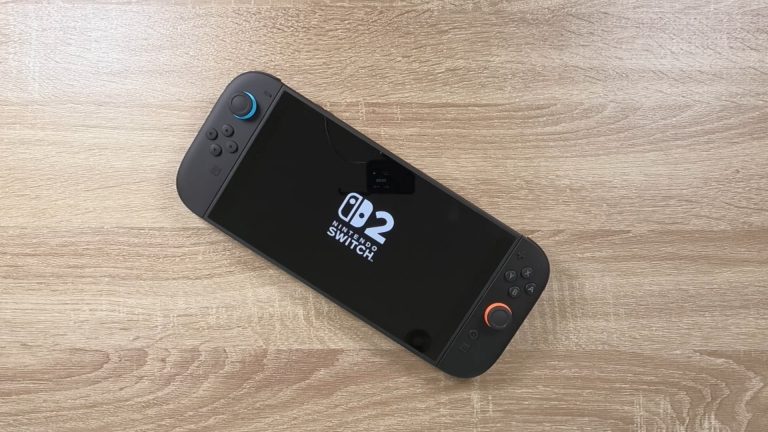
If you just got a new Switch 2, or even the original Nintendo Switch. There are a number of things you need to know or do before you start playing games. So in this video we take a look at 10 actions or settings that we think are useful to know…
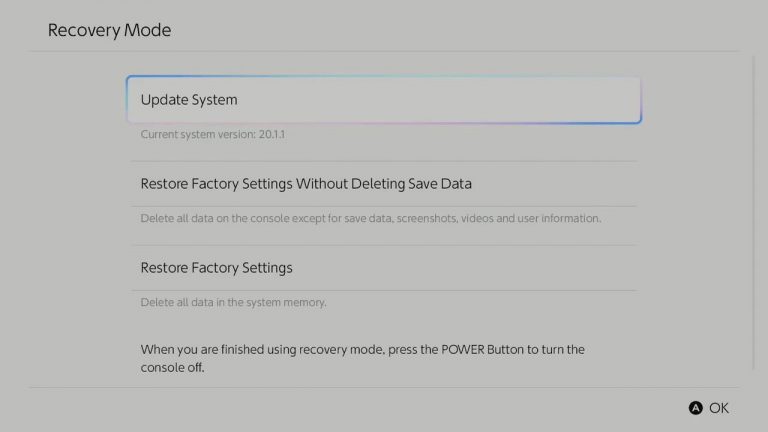
If you find that the system software on your Nintendo Switch 2 has been corrupted. While you can try and fix it within system Settings, if the corruption is affecting the normal function of your console, you will need to use Recovery mode…

If your Nintendo Switch 2 starts acting up, you might want to try a factory reset. But be warned, the default factory reset will wipe out your gamer profile and game saves. So, a better way to go is to do a factory reset without deleting your save…

If your Nintendo Switch or Switch 2 starts acting up or freezing, there’s a fix you can try. Simply power it off and then on again. But if your Switch is frozen and you’re not sure how to turn it off, don’t worry! We’ve got you covered. So in this…

If your Nintendo Switch 2 starts to misbehave, or you simply wish to decommission, sell or give it away. You will want to perform a factory reset. However as there are a number of ways to perform a factory reset on a Switch. We demonstrate how you…

In this video, we’ll show you how to pair your Apple AirPods with a Nintendo Switch console. This tip could be super helpful if you want to play your Switch in a noisy place or somewhere you need to be quiet. Note: Just a heads up, you can only…

In this video, we’ll show you how to pair your Google Pixel Buds with a Nintendo Switch console. This tip could be super helpful if you want to play your Switch in a noisy place or somewhere you need to be quiet. Note: Just a heads up, you can only…

This video is more a tip for anyone who happens to misplace a Joycon for their Nintendo Switch. The Nintendo Switch has a “Search for Controllers” function which uses the JoyCons vibrate function to help you locate missing controllers. So…

In this video we look at how you can use Bluetooth to Pair either the left or right Nintendo Switch JoyCon to your Apple Macintosh or Windows computer. This tip will allow you to use the controller to play games installed on your computer. Please…
