Buy us a Ko-Fi
Or support us via PayPal
Or buy from Amazon to help keep this site ad free
email us directly
Reset a Nintendo Switch 2 without deleting save data
Reset a Nintendo Switch 2 without deleting save data
Play

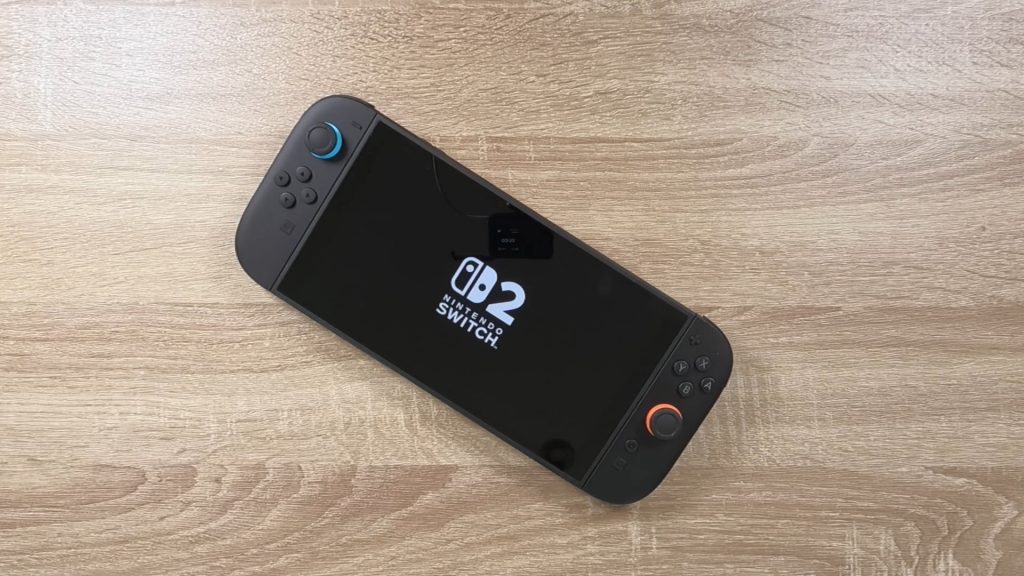
If your Nintendo Switch 2 starts acting up, you might want to try a factory reset. But be warned, the default factory reset will wipe out your gamer profile and game saves. So, a better way to go is to do a factory reset without deleting your save data.

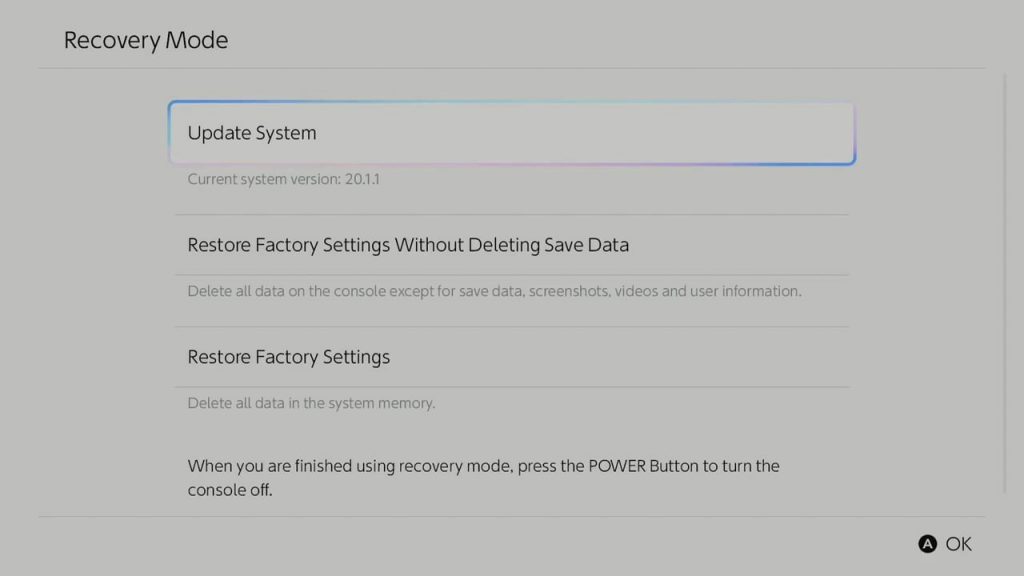
  • In order to access the Restore factory settings without deleting save data option. We need to be in Recovery mode
  • To access Recovery mode, you first need to power down your Nintendo Switch.

Note: If your Nintendo Switch has frozen or is unresponsive, you can power down the console by pressing and holding down the power button for 20 seconds or until the screen powers down.

  • Now with the Switch powered down, power it back up but then immediately press and hold down both volume buttons.
  • Keep the volume buttons held down until the Recovery Mode screen is displayed.
  • On the recovery mode screen choose the option Restore factory settings without deleting save data.
  • Follow the onscreen instructions to factory reset your console, but not delete your game saves and user settings.