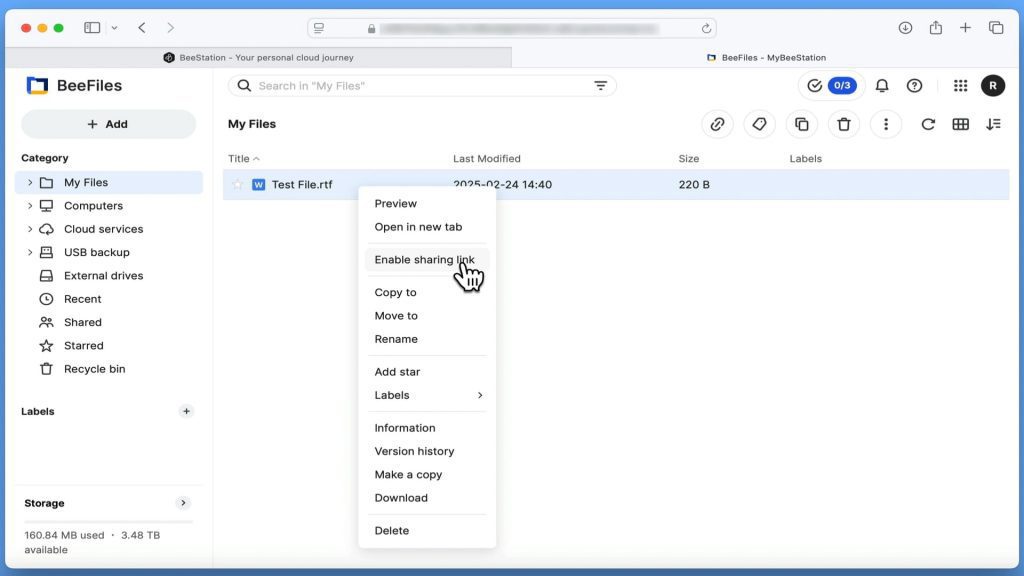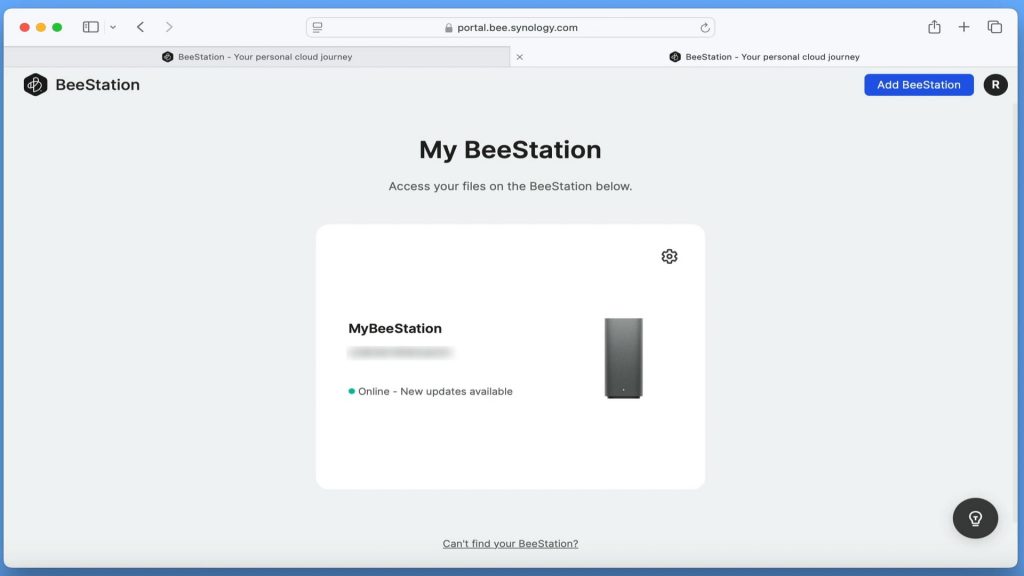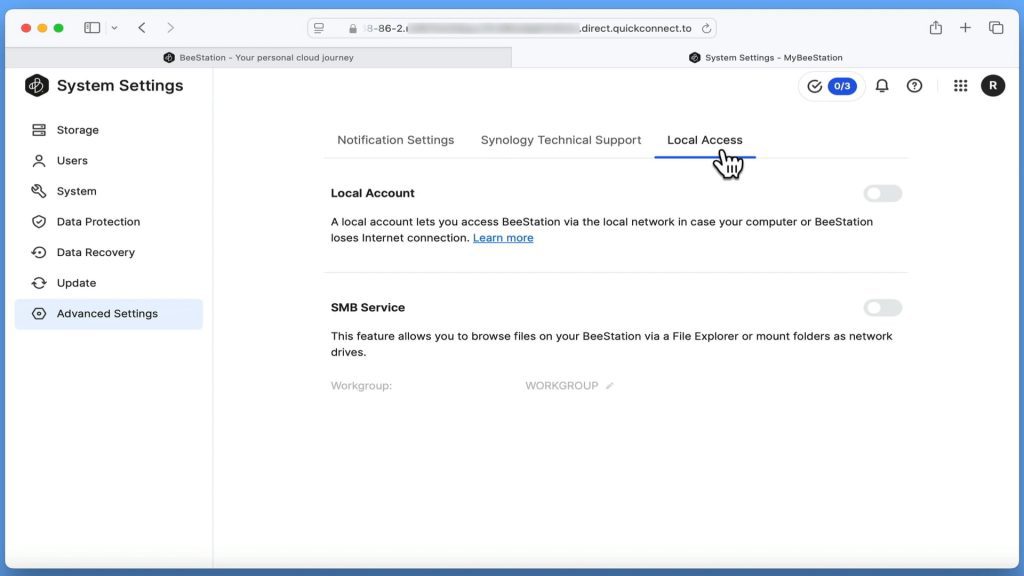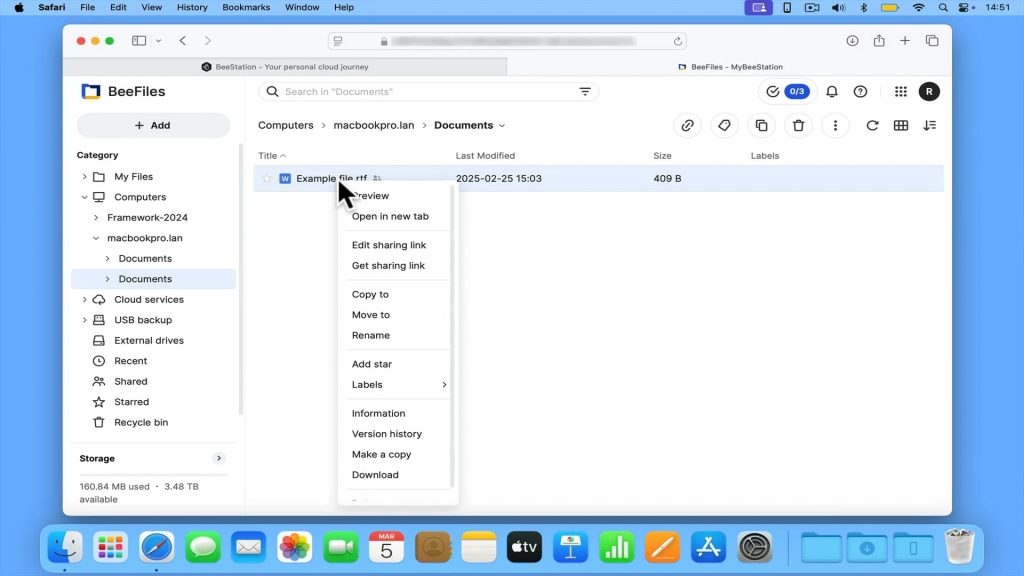
If you’re a coder or someone who likes to work with different versions of files, versioning on a Synology BeeStation is a must-have. So in this video we take a look at how from your Apple Macintosh computer you can access and restore previous versions of files stored on your BeeStation.
Note: Versioning is automatically applied to any file that has been synced to your Synology BeeStation. This is done by keeping a copy of a file each time you edit and save that file. The default limit for keeping past versions of a file is 8. However you can manually set your BeeStation to keep either 4, 8, 16 or 32 past versions of a file if needed.