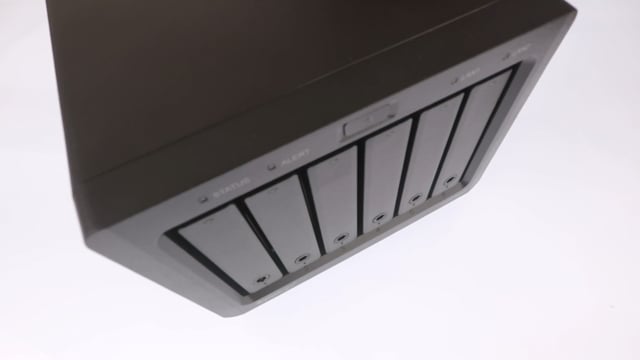
Notifications on a Synology NAS are like little alerts that pop up when something important happens. For instance, you can set it to send a notification when a backup is done, a hard drive goes kaput, or you’re running out of storage. Pretty cool, right?
While we will specifically be looking at configuring email notifications. It is possible to configure your NAS to sent notifications via the Synology Finder App, a web browser, SMS text or various messaging applications.
But hey, you can set up Notifications to a Synology account or even a free email account like Gmail or Outlook. We’ll go ahead and set up an email account using the custom SMTP server option. That should make things easier for you if you’re not keen on Gmail or Outlook.