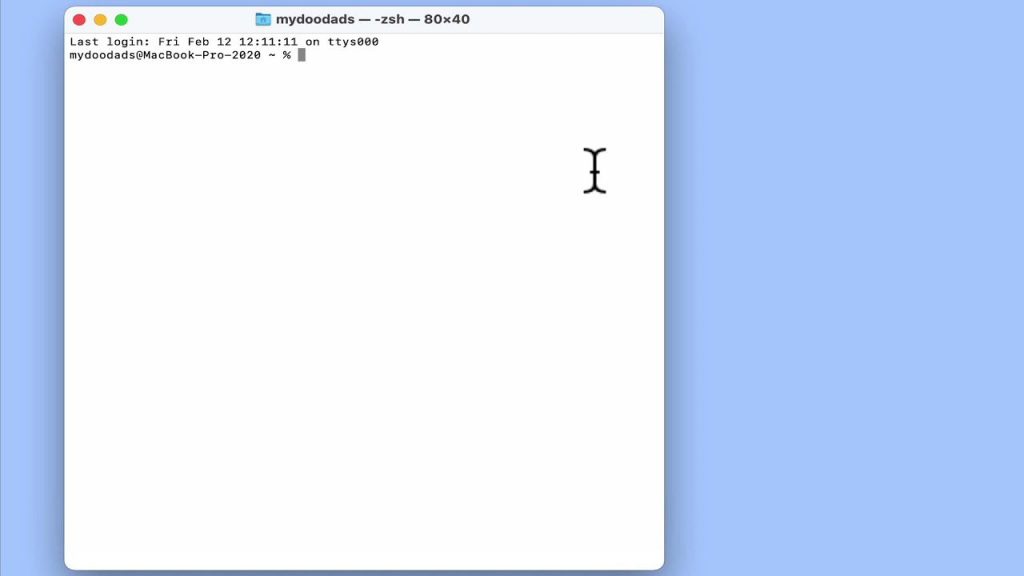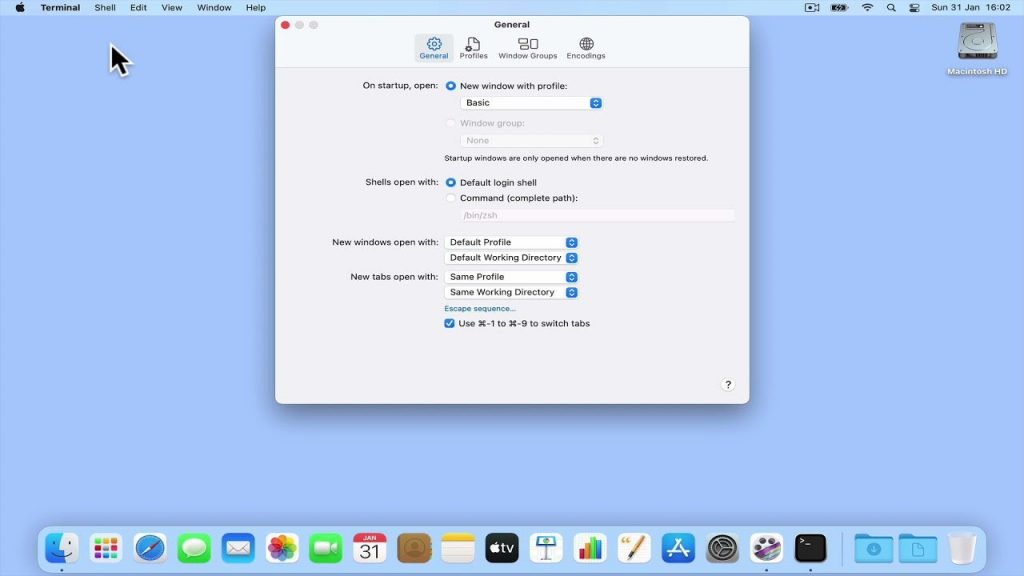




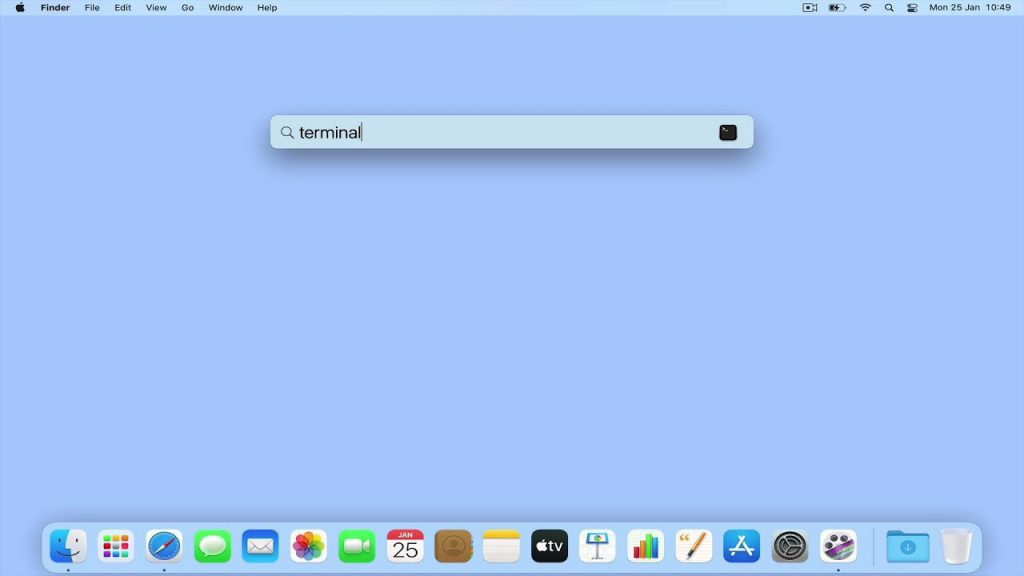
In this video, we take a look at a terminal command that will display the local IP address that an Apple Macintosh computer is using. However please note that in order to use this command, you will need to know the device name for your computers network adapter.
Note: As a general rule, if you are working from a laptop the device name of your WiFi adapter will be en0. However if you are working from a desktop computer, the network port will be en0, while the WiFi port will be en1.