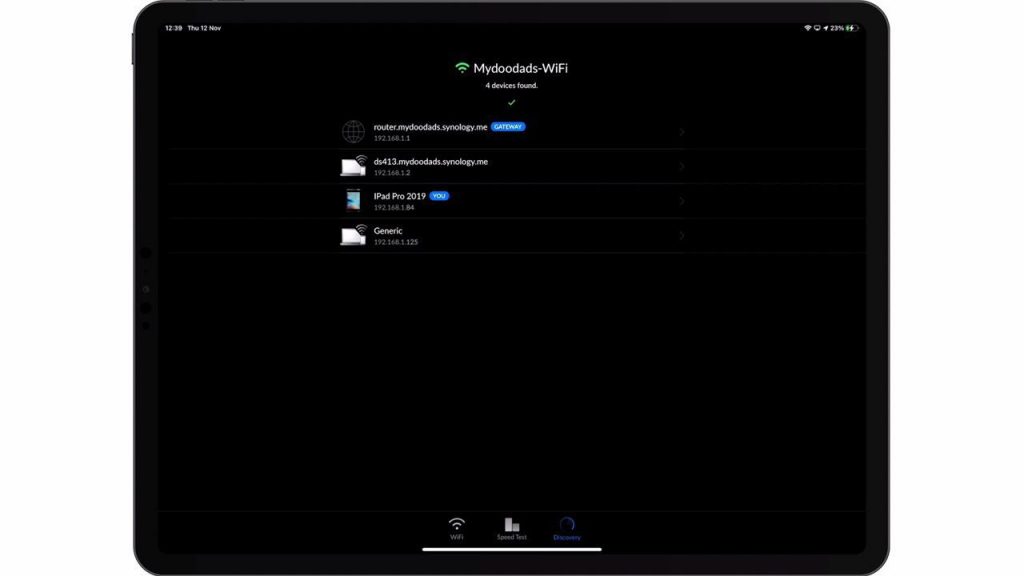
As Safari on an iPad will by default display web pages in mobile mode. When trying to open the web based user interface for devices such as a Synology NAS. Disk Station Manager might display an interface different from the one seen in a desktop web browser.
So in this video we take a look at two methods you can use to change Safari from mobile mode to Desktop mode.
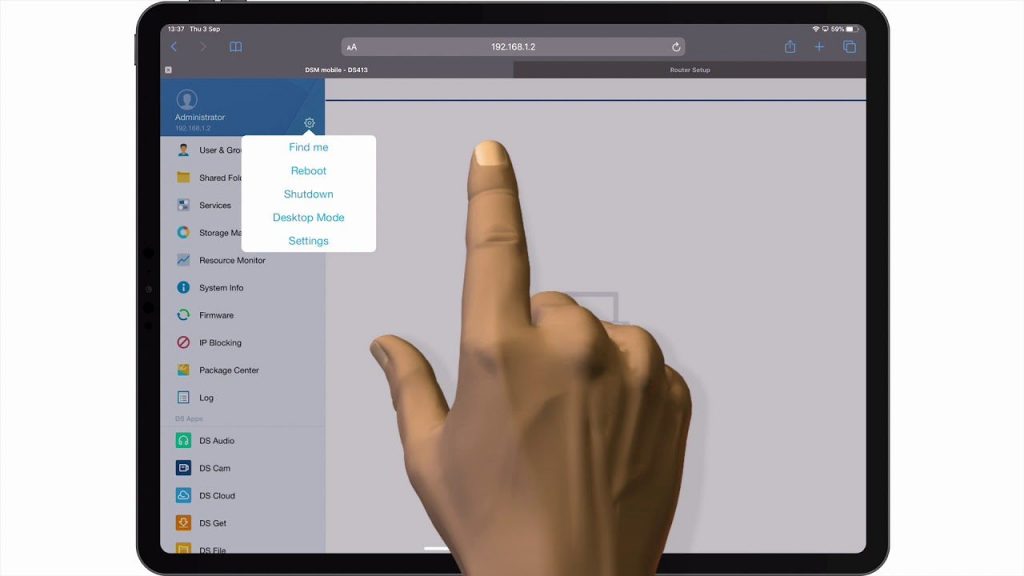
Notes: Safari should by default display Disk Station Manager in Desktop Mode. However, if it does not or if you prefer to use Mobile Mode. By first logging into Disk Station Manager and then selecting the Settings icon. You can toggle between the different display modes.