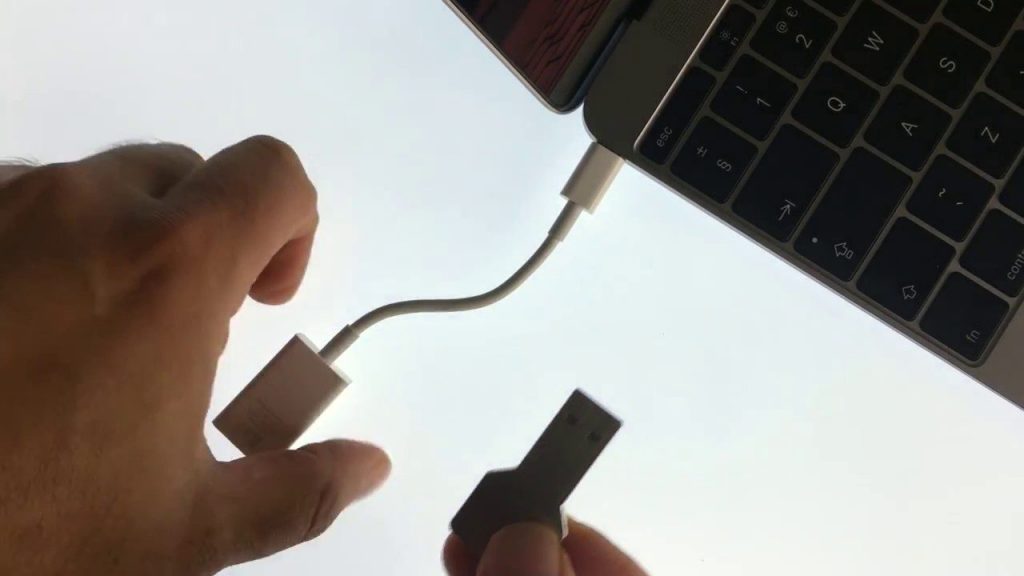
In this video we take a look at how from an Apple Macintosh computer running on Intel hardware, you can boot into Startup Manager. The primary purpose of Startup Manager, is to allow you to choose an alternative boot option when you start your computer. So for example you can use Startup Manager to boot an operating system from a USB flash drive.
Note: Being able to choose from which drive your computer boots is very useful as it will allow you to:
- load a Linux distro,
- boot to Windows with a Boot Camp partition,
- boot Windows from a USB drive
- reinstall macOS using a USB thumb drive.
Note: While you can run Linux and Windows on an Apple Mac computer using Intel hardware. On newer M series hardware this is currently more difficult. So if you want to run Windows on a more modern Apple Mac computer you will need to user a Virtual Machine like Parallels or VMBox. If you want to use Linux you will have to use Asahi.