Buy us a Ko-Fi
Or support us via PayPal
Or buy from Amazon to help keep this site ad free
to our site members
How to access Recovery Mode on an Apple Macintosh computer – Apple Silicon hardware (M1 Processor)

How to access Recovery Mode on an Apple Macintosh computer – Apple Silicon hardware (M1 Processor)

In this video we take a look at how you access Recovery Mode on an Apple Macintosh computer running on Silicon Hardware (M1 Processor).

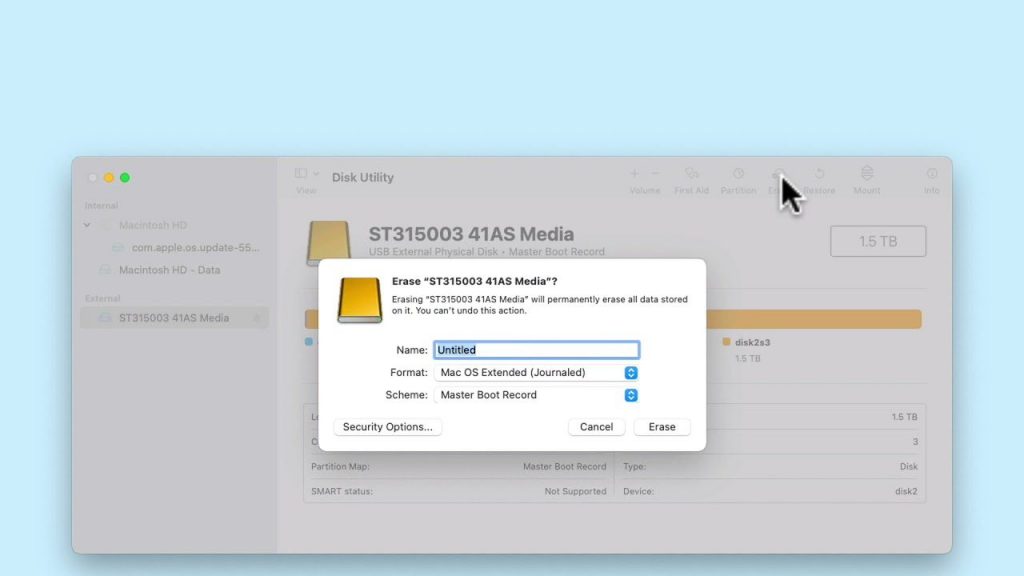
As the name suggests, Recovery Mode is a troubleshooting tool built into macOS that can be used to restore your computer back to a working state. So not only can you factory reset your Mac using Recovery Mode. You can also reinstall macOS, restore your computer using a Time Machine backup, or perform a repair of your hard drive using Disk Utility.

  • First power down your Apple Macintosh computer.
  • Press and hold down the Power button.

Notes: You need to keep the Power button held down until you see a message on your screen saying “loading Startup Options”.

  • When the Option Screen loads, using the mouse pointer select Options.
  • A Continue button will appear under Options.

Notes: Do not click on the Macintosh HD icon, as this will simply attempt to load macOS.

  • When we select Continue our computer will reboot and Recovery Mode will load.
Add a comment

Leave a Reply

Your email address will not be published. Required fields are marked *