Buy us a Ko-Fi
Or support us via PayPal
Or buy from Amazon to help keep this site ad free
email us directly
The Whois command in macOS
Play

In this video, we’ll explore a macOS terminal command that lets us find out who’s registered an internet resource. These resources are usually domain names or IP addresses. For instance, you could use Whois to check if a domain name is available for you to buy.

Note: One of the downsides of Whois is that data can be hidden, so a query might not give you much info about who registered a domain or IP address.
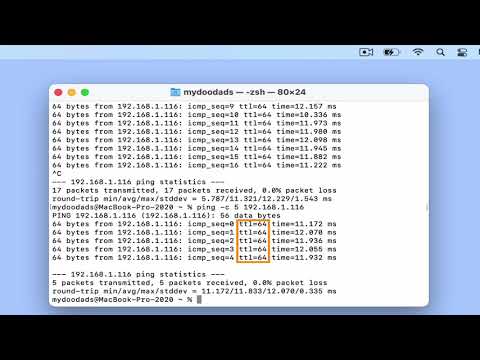
  • From your macOS desktop, select Spotlight Search.
  • Within Spotlight Search type Terminal and press Enter on your keyboard
  • To perform a whois query, at the command prompt type.
whois [domain name or ipaddress]
  • To gracefully close your current Terminal session type:
exit
  • When you press Enter on your keyboard the Terminal session will end and you can close the Terminal application.