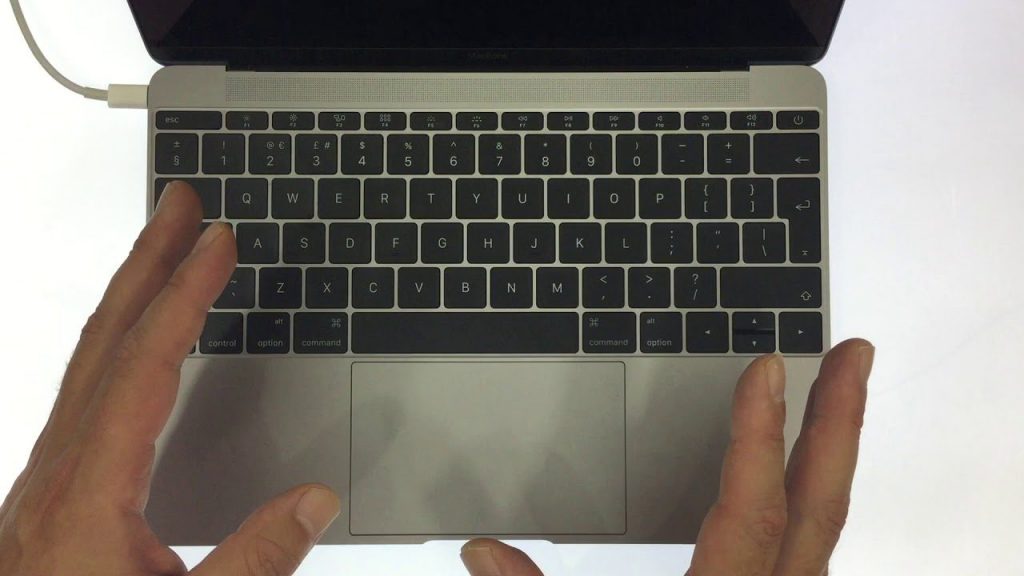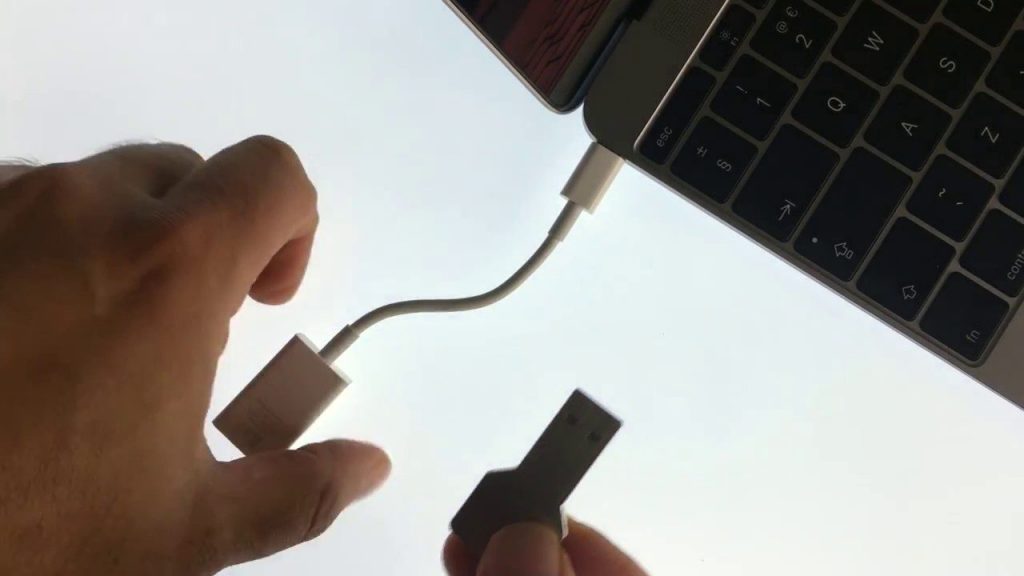
Target Mode will not work with USB 2. However, Apple have enabled Target Mode for FireWire, Thunderbolt 2, USB-C, or Thunderbolt 3 (USB-C) ports. To use a USB-C cable with Target Mode the USB 3.0 or 3.1 cable must be rated as having a data throughput of 5Gbps (SuperSpeed) or 10Gbps (SuperSpeed +).
The USB-C cable issued with the MacBook does not work with Target Mode as it is not rated with 5Gbps data transfers speeds.