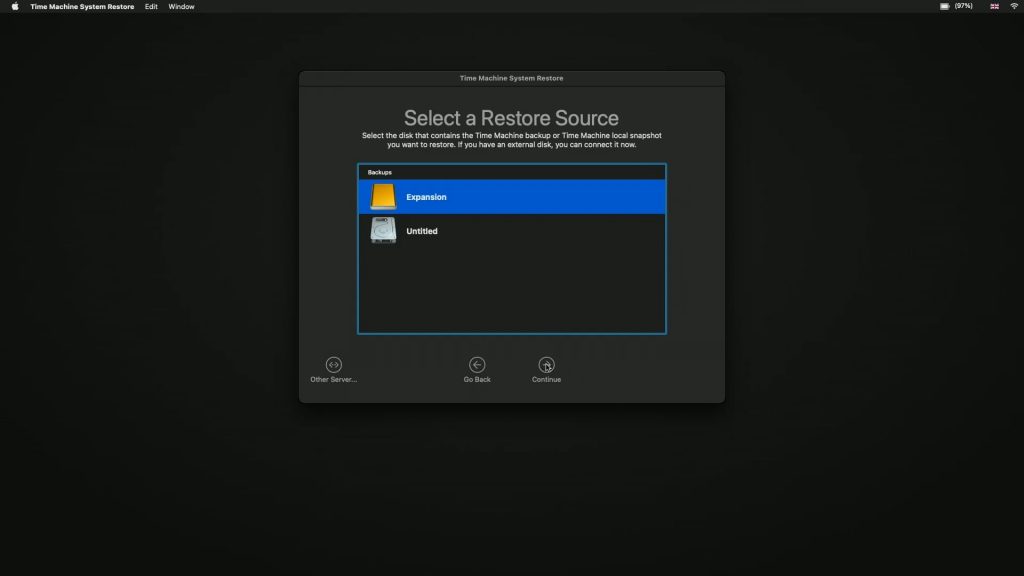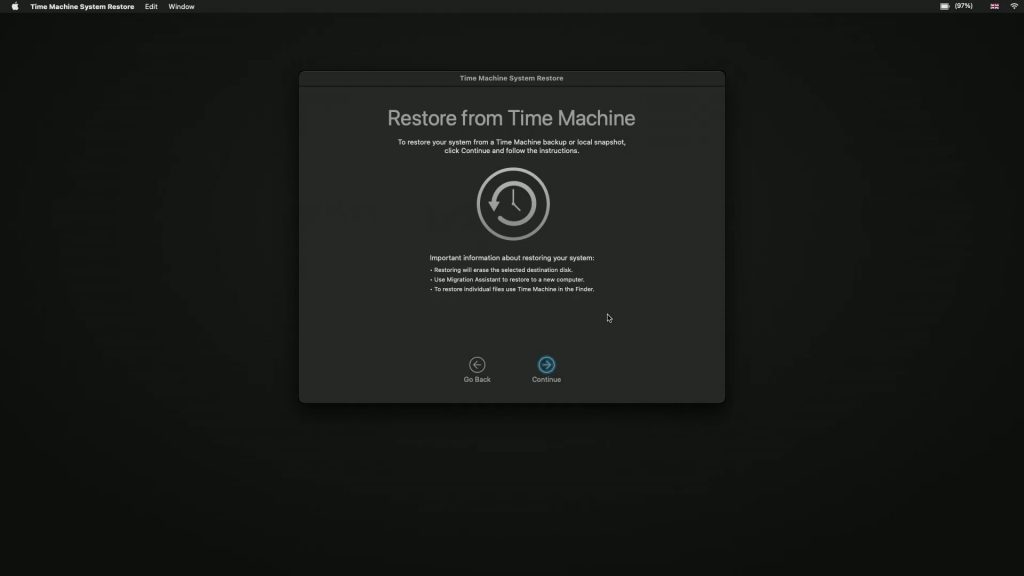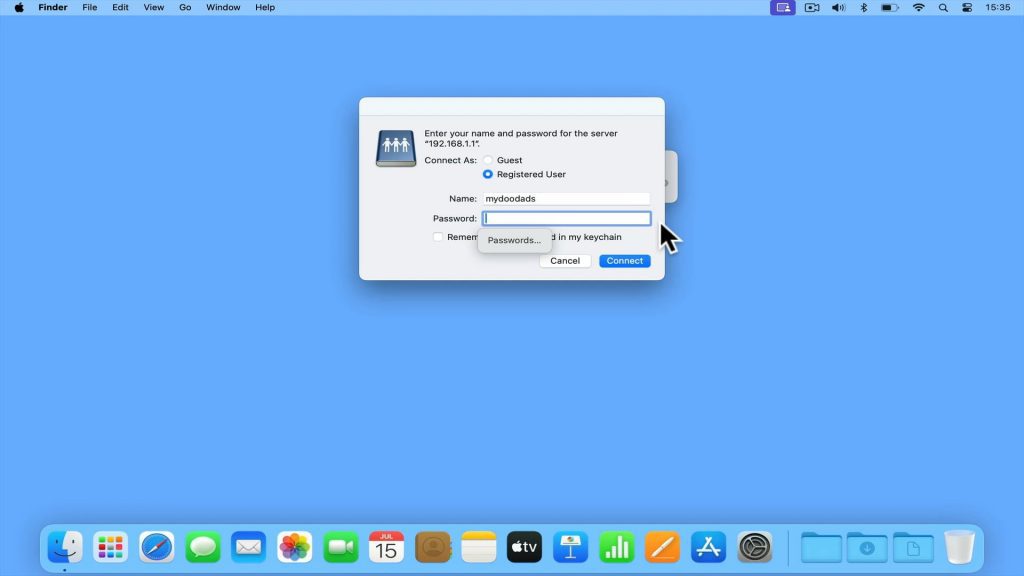
In this video, we’ll show you how to access a network share from an Apple Mac computer. But as there are two ways to do this, we’ll show you both. First, we’ll show you the most reliable way, and then we’ll show you the easiest way.
Note: Apple Macintosh computers will by default use Server Message Block (SMB) as its main protocol for accessing network shares. This is in line with Windows and Linux that also use SMB as their network sharing protocol. However, in order to access a network share from your Apple Macintosh computer, you will need the following information:
- The sub-domain name or IP address of your file server.
- A valid username and password in order to access your File Server
- The name of the network share you wish to access.