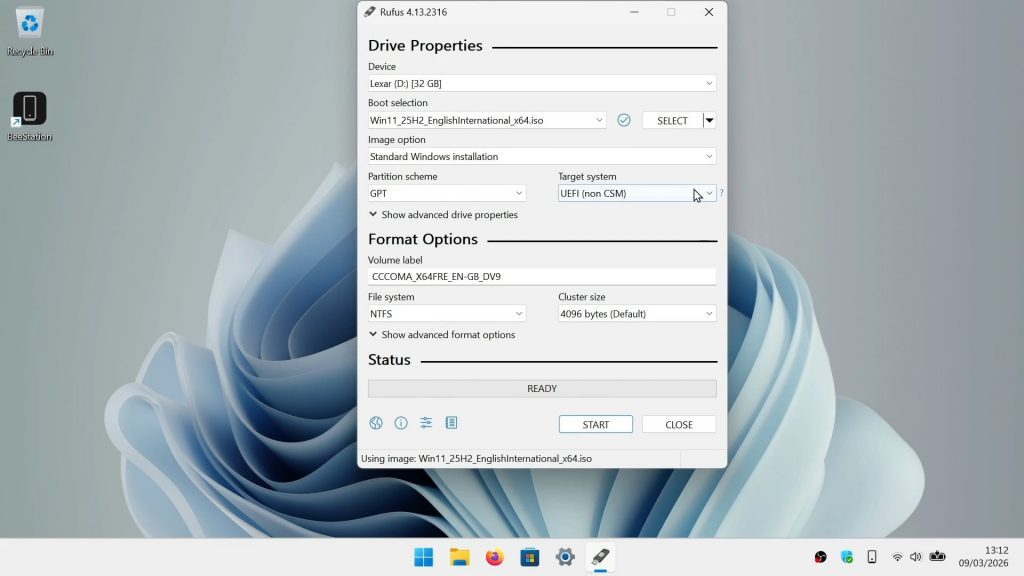



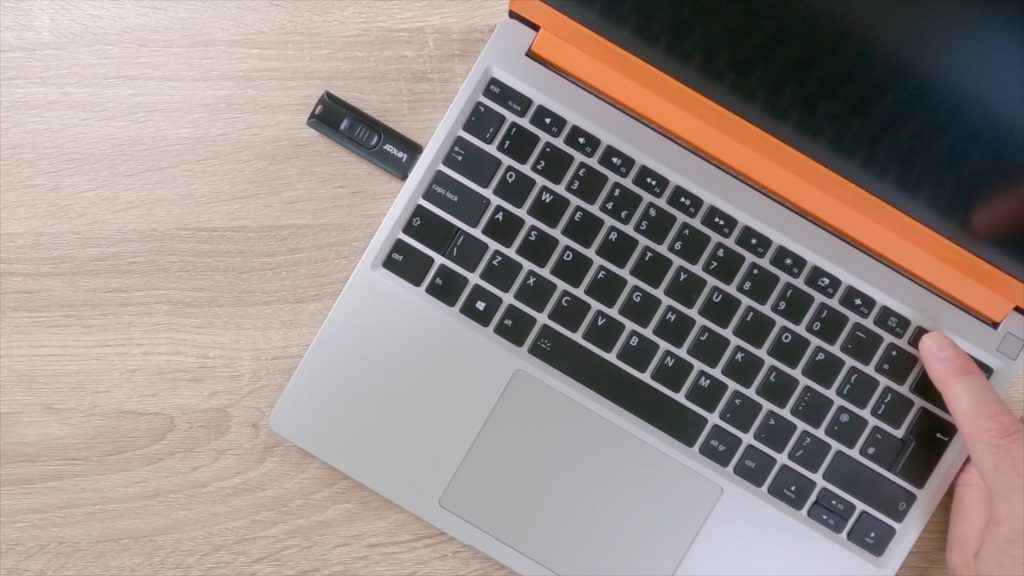
If you want to try out a Linux Distro, or reinstall Windows on to your computer. You will need to use the Boot Menu, in order to force your PC to boot to a drive other than the main drive of your computer. So in this video we show you how to load the Boot Menu.
y need to check with the manufacture of your computer as to which key is the correct key to use. However as a general rule, the boot menu key will usually be either Esc, F7, F8, F9, F10, F12 or the FN key and F12.
In order to place your Windows/Linux computer into the boot menu you will need to do the following:
- With the computer powered down.
- Press the power button, and immediately start to repeatedly press the hot key designated on your computer for loading the boot menu.
- Keep pressing the hot key until you see the boot menu or are informed that the boot menu is loading.
Note: If you see the log in screen or Windows starts to load. Then you have missed the window for loading the boot menu. So you will need to power down your computer and try again.
- mydoodads article – How to place Windows 11 into Safe mode.
- mydoodads article – Access Windows Advanced Startup and a tour of its troubleshooting tools.
- Microsoft article – Windows Startup Settings.