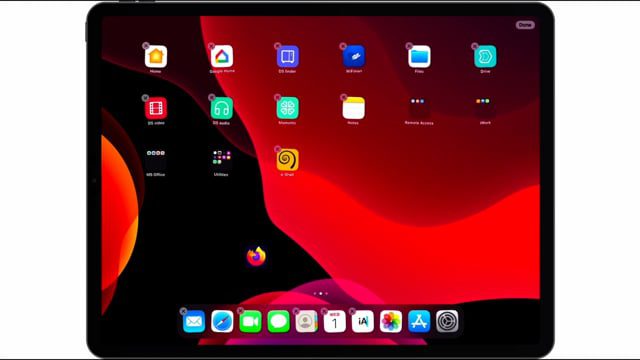
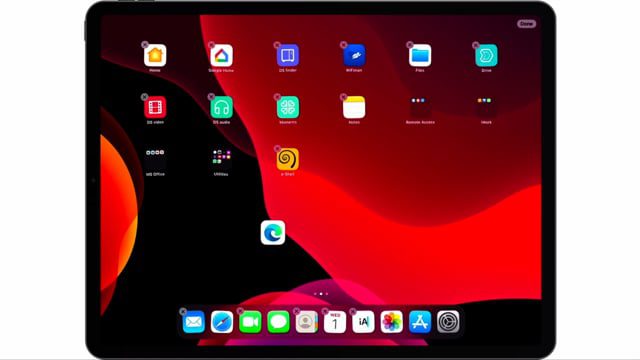
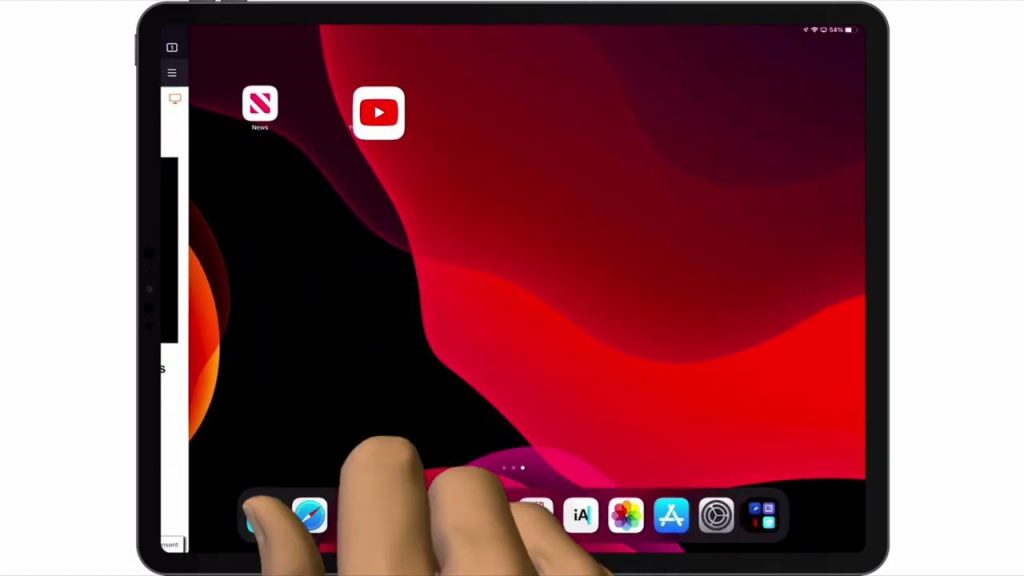
By default Safari is the main internet browser installed on an Apple iPad. However, if you would prefer you can download and use a different browser. So in this video we take a look at how you make Google Chrome the default browser on an iPad.
Notes: While you can use an alternative web browser other than Safari with your iPad. It would appear that third party web browsers like Google Chrome, have to conform to Apple’s rules with regards to applications. This means that Chrome is forced to use WebKit as its browser engine. So the instance of Chrome on your iPad may not be as feature rich as Chrome on a computer.