Buy us a Ko-Fi
Or support us via PayPal
Or buy from Amazon to help keep this site ad free
to our site members
How to reset NVRAM – Apple Macintosh troubleshooting

How to reset NVRAM – Apple Macintosh troubleshooting

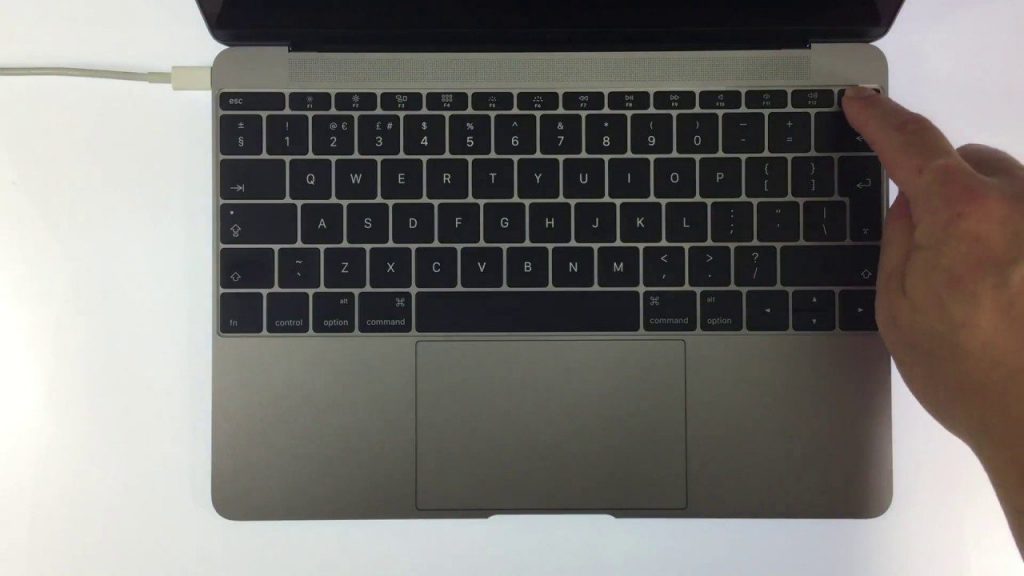
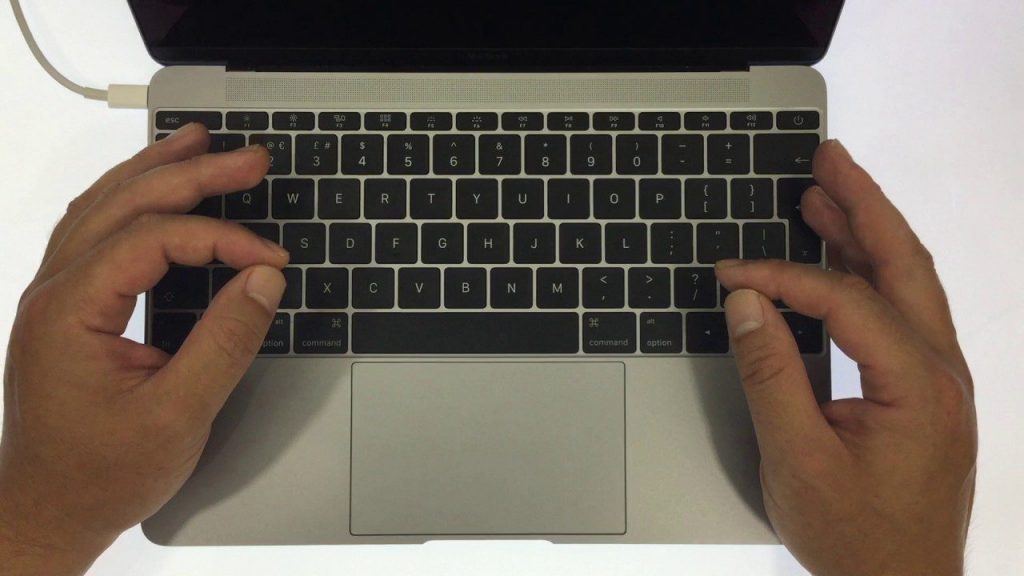
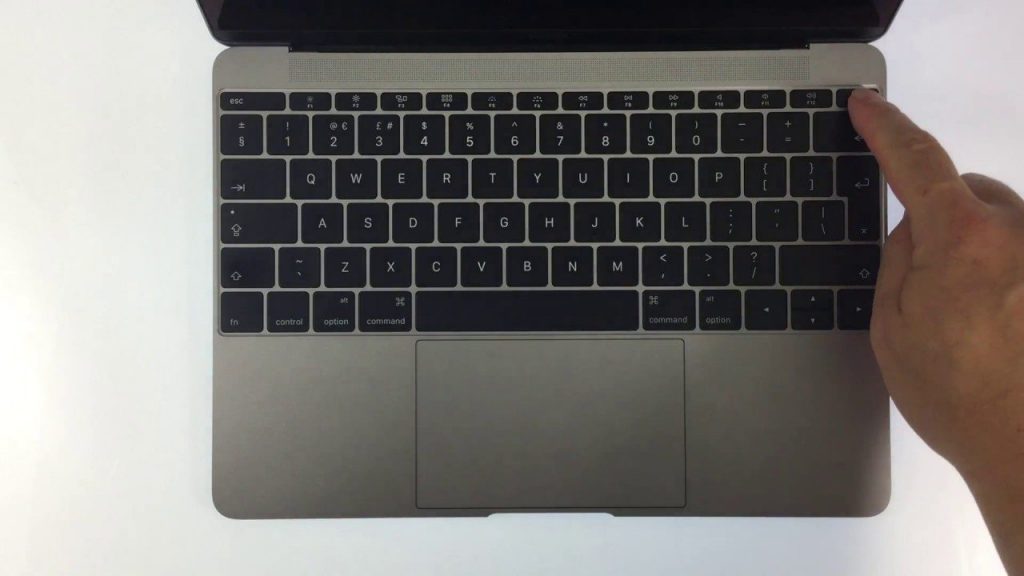
In this video we look at how you reset NVRAM or nonvolatile random-access memory on your Apple Macintosh computer. Used as a troubleshooting technique, this tip may resolve issues with:

  • sound volume,
  • display resolution,
  • startup-disk selection,
  • time zone,
  • and recent kernel panic information.
 

Add a comment

Leave a Reply

Your email address will not be published. Required fields are marked *