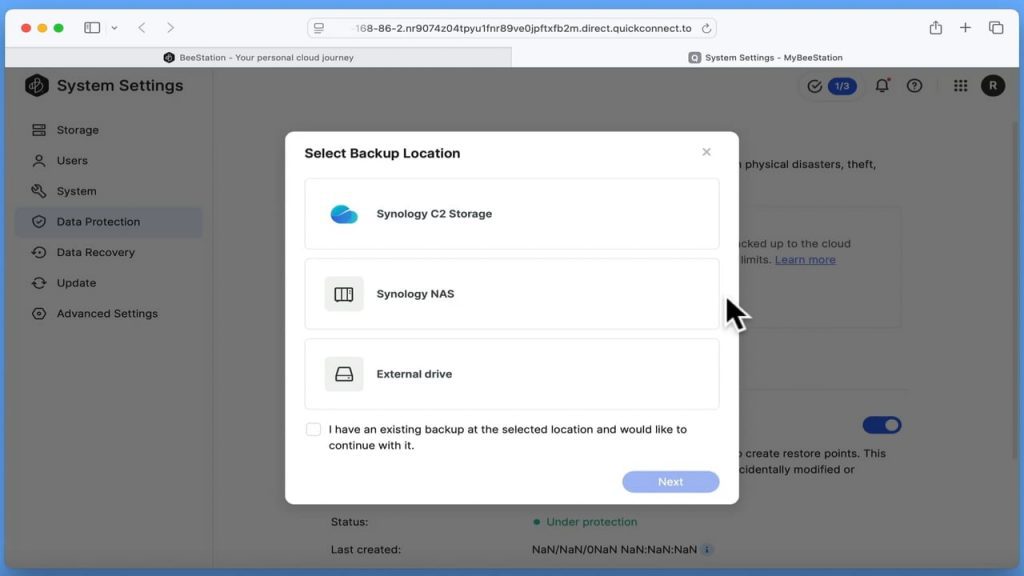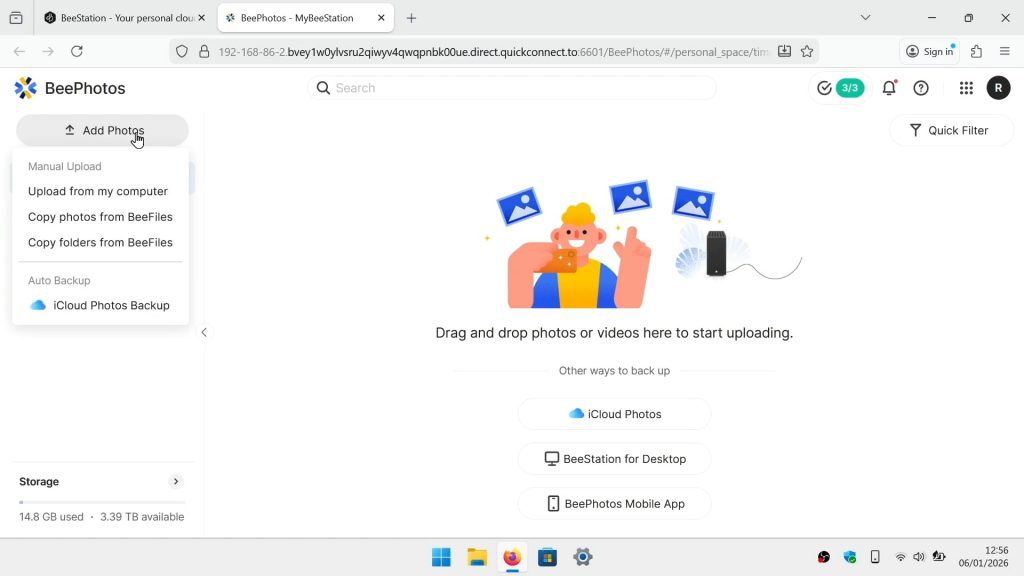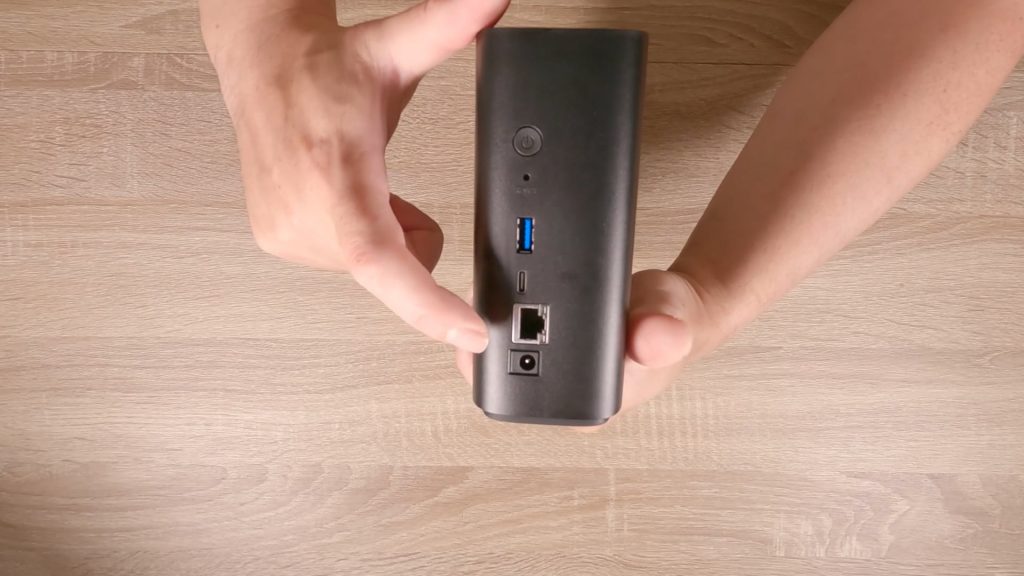



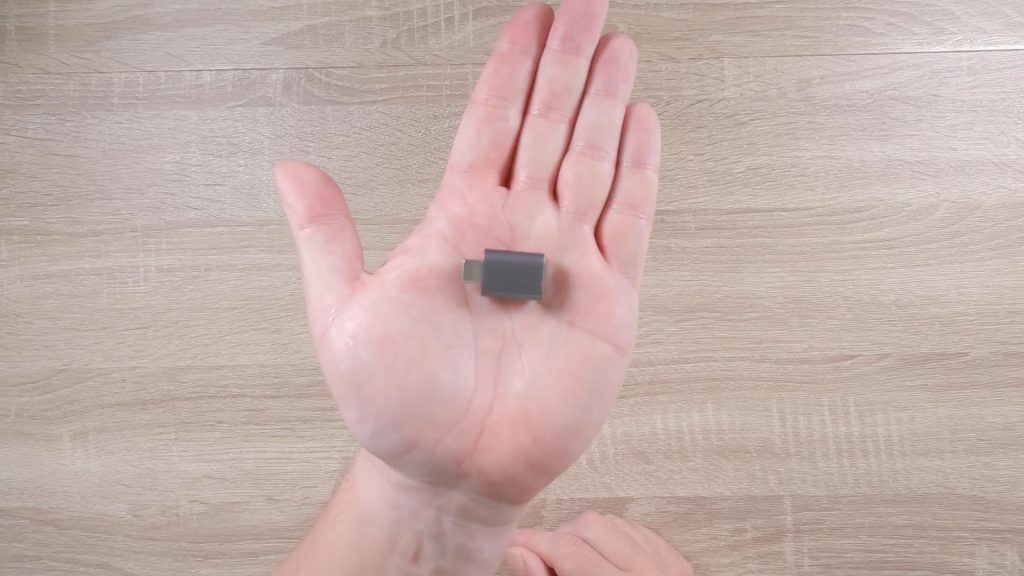
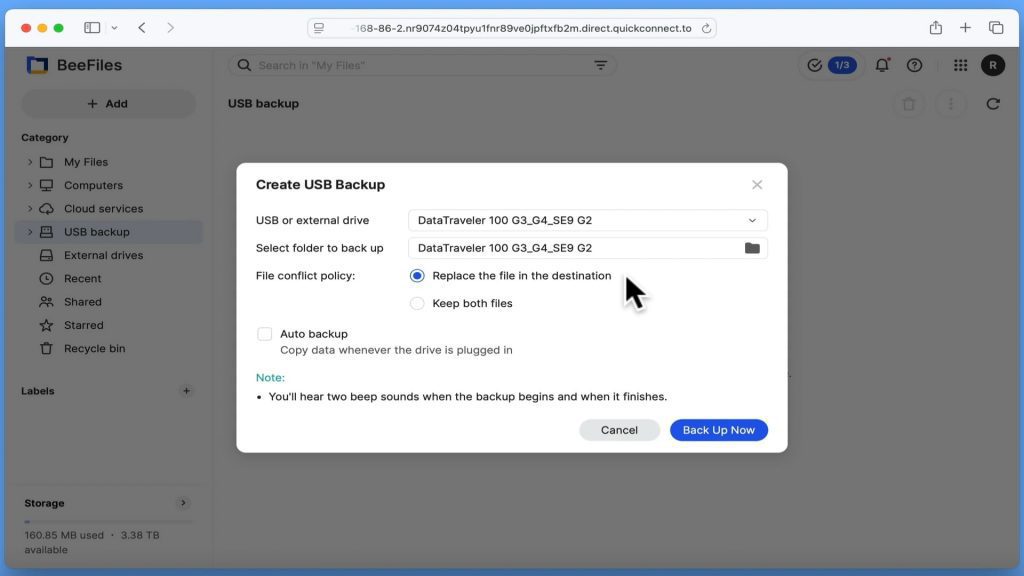
As making a backup of the data on an external USB hard drive or a USB flash drive, can be super useful. We are going to show you how you do this using your Synology BeeStation. Then once you have made a backup. We are going to show you where you need to go on your BeeStation, in order to access your backed up files.
Note: We noticed that when using high capacity drives (ie a 1TB external hard drive), the whole backup process took a lot longer to both start and finish. This may be due to the way the BeeStation is checking what needs to be backed up, the size of the storage drive being used, or the speed of the USB interface.