Buy us a Ko-Fi
Or support us via PayPal
Or buy from Amazon to help keep this site ad free
to our site members
MS Word | Use Text to Speech

MS Word | Use Text to Speech

MS Word text to speech

Built into Microsoft Word is the ability to have your computer read back the text that you wrote. Something that is very useful if you are trying to proof-read your work. So in this video we take a quick look at this feature.

Note: If you are Dyslexic, the ability to have your computer read back reports or essays can be invaluable. As not only can it help to improve your writing skills, it will also help to keep the sequence of your thoughts in order. This is because you can focus on what’s being said, rather than having to process the words that have been written.
  • Open the MS Word document that you want to have read.
  • Place the flashing insertion point where you want your computer to start reading back your text.
  • Now using your mouse press it’s right button, to display a Quick menu.
  • From the Quick menu locate and select Read aloud.

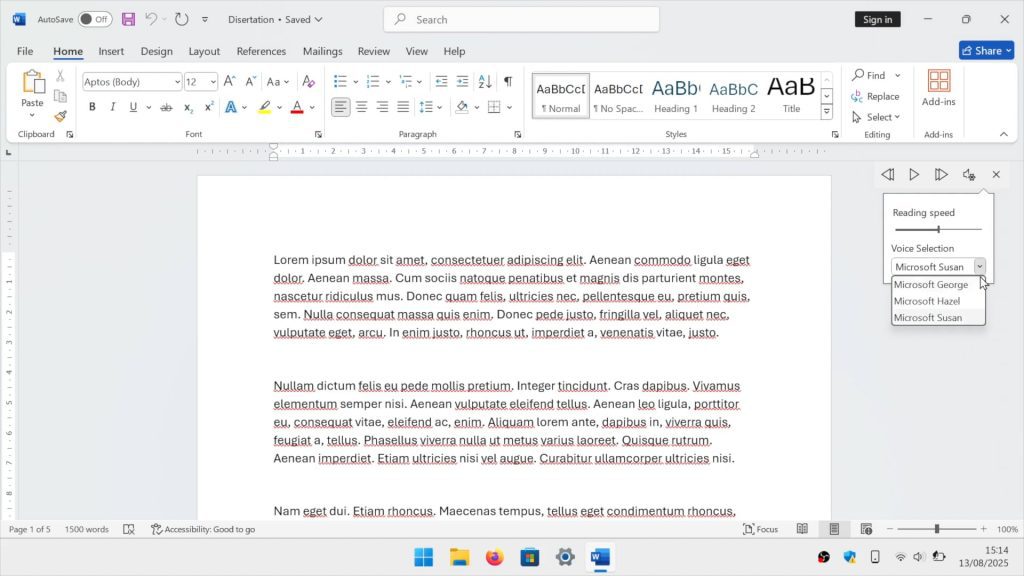
Note: Your computer will start to read out the text in your document. You should also find that you have a small control panel, that allows you to start at the beginning of the paragraph, jump to the next paragraph, and pause the audio. You will also find a Settings button that will allow you to read faster or change the reading voice being used.

Add a comment

Leave a Reply

Your email address will not be published. Required fields are marked *