

When working with networks or trying to troubleshoot macOS. There are a number of Terminal commands that can be very useful. So in this section of our website, we highlight a few commands that you might find useful.
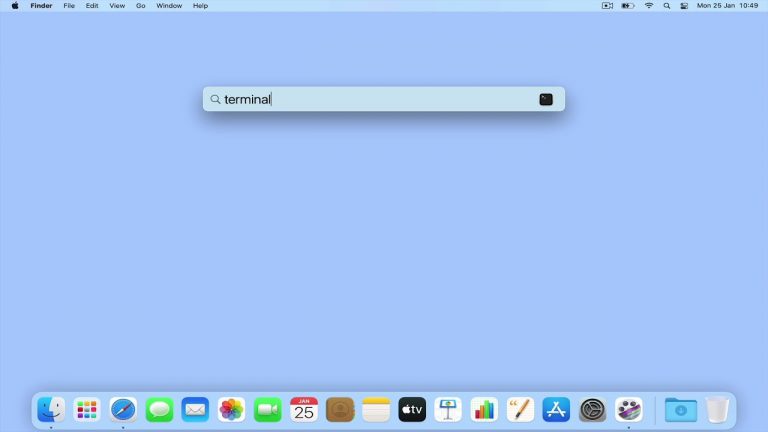
In this video, we take a look at a terminal command that will display the local IP address that an Apple Macintosh computer is using. However please note that in order to use this command, you will need to know the device name for your computers…

As a general rule, if you are working from an Apple Macintosh laptop the device name of your WiFi adapter will be en0. However if you are working from an iMac or Mac mini computer, its network port will be en0, while the WiFi port will be en1. While…

When you’re done using a macOS terminal, the window won’t close automatically. You’ll have to close it with your mouse or close the terminal app itself. So in this video, we’ll show you how to make the terminal window close automatically when you…

In this video, we’ll show you a cool macOS terminal command that’ll reveal your home network’s public IP address. Which is super useful when you’re setting up a domain name for a server or configuring DNS forwards. Note: When we talk about a public…

In this video, we’ll explore a macOS terminal command that lets us check forward and reverse lookups on a local DNS server. This command can be super useful when testing a DNS server you’ve set up on your network. Note: Just a heads up, you’ll need…

In this video, we’ll explore a macOS terminal command that lets us find out who’s registered an internet resource. These resources are usually domain names or IP addresses. For instance, you could use Whois to check if a domain name is available for…

In this video we take a look at a macOS terminal command, that will allow us to run a Ping test from our Apple computer. A Ping test is a handy troubleshooting tool, that can help you to determine if a device is connected to your home network. It…

In this video we take a look at a macOS terminal command, that will allow us to query the details a DHCP server sends to our computer. This command can be useful to check the configuration of your DHCP server. Note: As a general rule, if you are…

In this video, we’ll show you a handy macOS Big Sur terminal command that can help you fix a common issue with your computer’s DNS (Domain Name System). If you’re frequently seeing 404 errors or web pages not loading, it might be because your DNS is…
