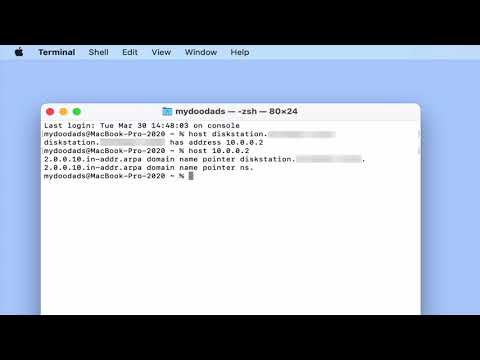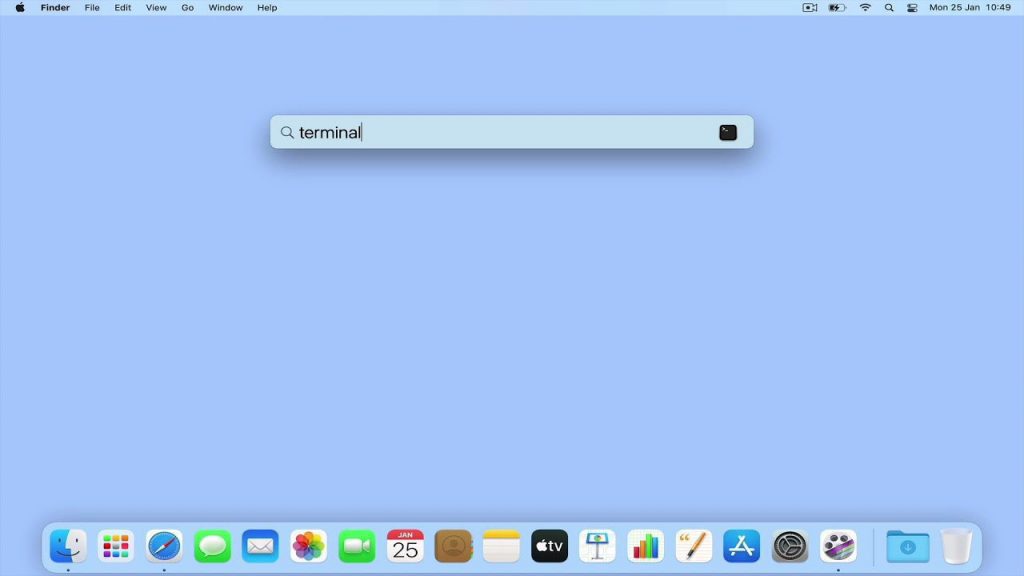
In this video, we’ll show you a cool macOS terminal command that’ll reveal your home network’s public IP address. Which is super useful when you’re setting up a domain name for a server or configuring DNS forwards.
Note: When we talk about a public IP address, we mean the one your internet service provider gave you for your broadband connection. Just a heads up, if your ISP gave you a dynamic public IP address, that number might change over time.