

Here are a selection of videos regarding tools that we have found useful when troubleshooting issues with a Apple Macintosh computer.
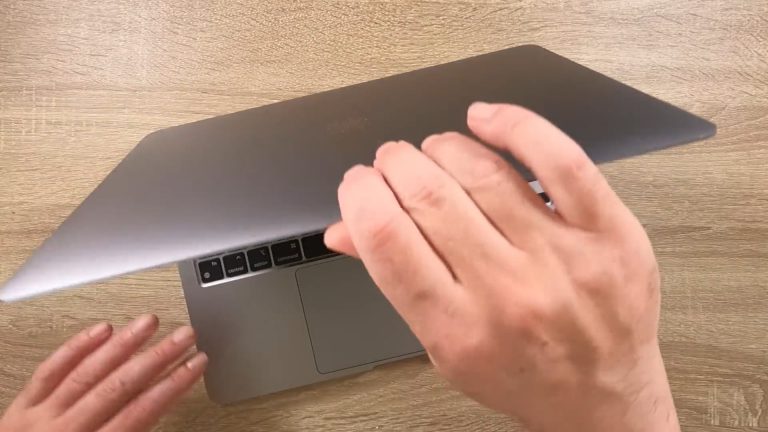
While the auto power on feature built into all Apple Silicon MacBooks can initially seem very useful. Having your computer power on when you open the lid or connect a power supply, can be very annoying. Particularly if you are simply looking to clean…
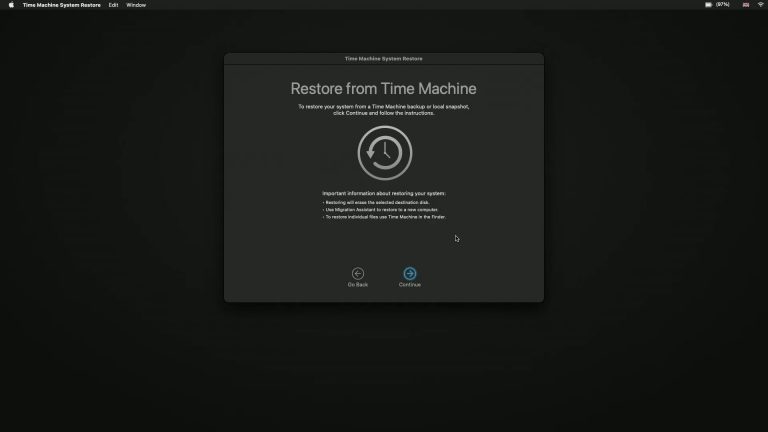
If you want to bring your Apple Macintosh computer back to its former glory, you can use Time Machine. But here’s the catch: you can’t run macOS while it’s being restored. So, you’ll need to restore your computer from within Recovery Mode. Let’s…

Want to bring your Apple Silicon Mac back to its former glory? Time Machine can help, but here’s the catch: you can’t use macOS while it’s restoring. So, you’ll need to restore your computer from within Recovery Mode. Let’s break it down step by step!…

In this video we demonstrate how you perform a factory reset on a computer running macOS. As performing this action will return your computer back to its original factory system state. Typically you would perform a factory reset if you intend to…

While CD and DVD drives are no longer part of a modern Apple Macintosh computer. If like us you like to have an external USB Blue-ray drive connected to your computer. You might find having an eject button in the menu bar useful. So in this video we…

While very iconic, the startup chime on an Apple Macintosh computer can be very distracting. So if you need to work in quiet areas such as lecture theatres, library’s or open plan offices. You might want to disable the chime when you start your…

Bluetooth, like many wireless devices, uses the 2.4GHz wireless channel. In areas with a lot of wireless signals, your wireless keyboard or mouse might have trouble staying connected to your Apple Macintosh computer. While this use to be an easy…

As a good wireless connection is so important to the use of a modern computer. It’s important to have a way to test the quality of the Wireless connection you are using. So in this video we take a look at a hidden tool built into macOS that can…

In this video, we’ll explore a terminal command that lets us see the IP and MAC addresses of devices on our home network. Think of an IP address as a device’s phone number, and the MAC address as its name. We can use ARP to find out which devices are…
