Buy us a Ko-Fi
Or support us via PayPal
Or buy from Amazon to help keep this site ad free
to our site members
Using an iPad with a Synology NAS – Install and configure a Bluetooth mouse.

Using an iPad with a Synology NAS – Install and configure a Bluetooth mouse.

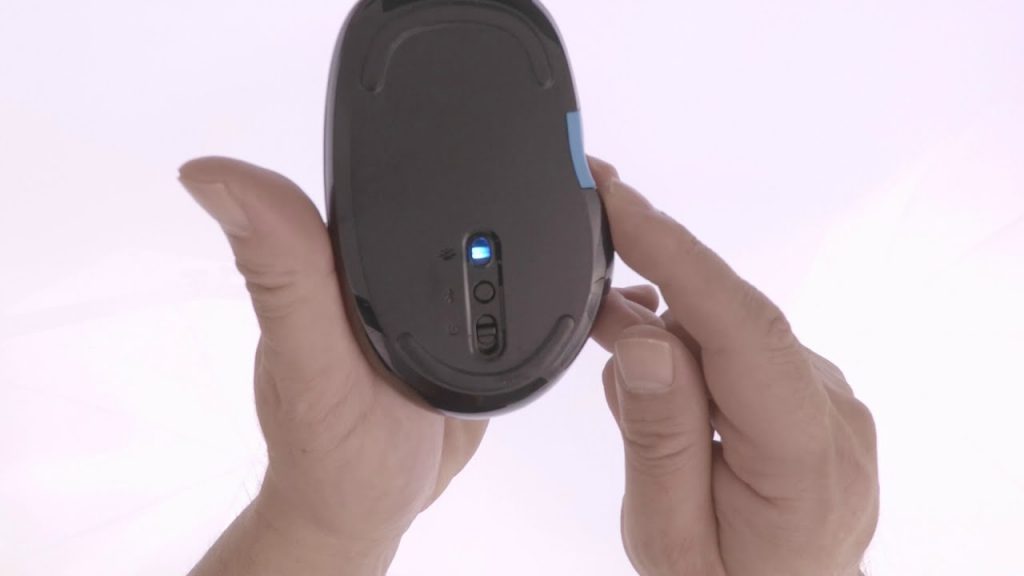
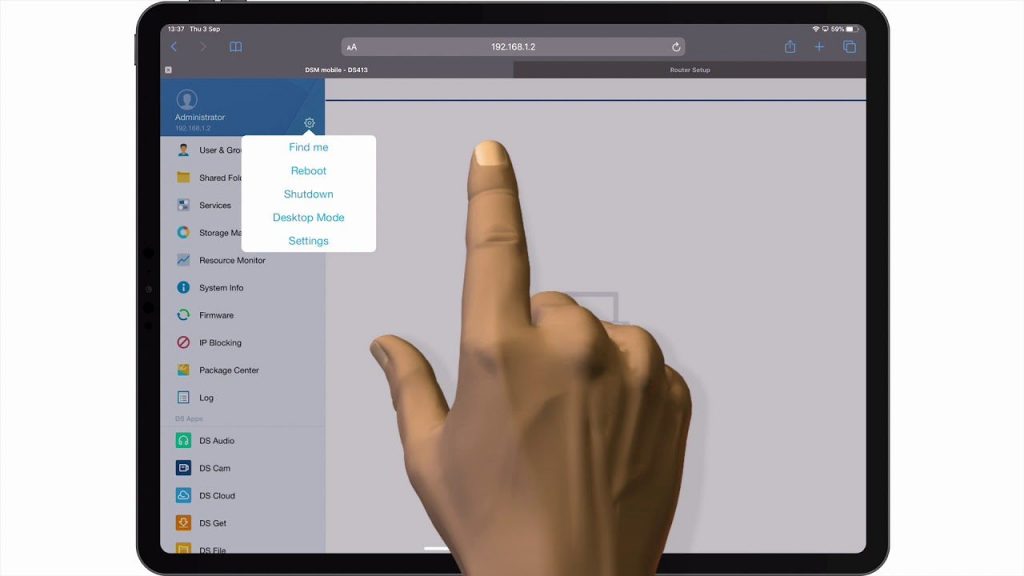
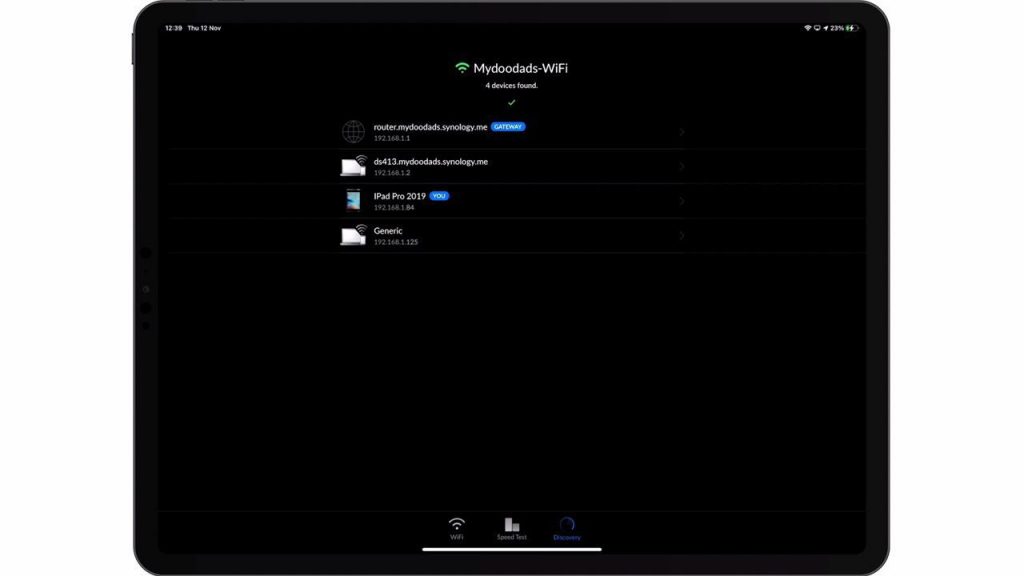
While an iPad is designed for touch. Using a touch interface to configure or work on a Synology NAS, can be problematic because touch lacks fine control. So in this video we take a look at how we can install and configure a Bluetooth mouse on an Apple iPad.

Notes: Bluetooth can theoretically allow up to seven devices to be connected to an iPad. However we recommend, that for practical use you only connect two or three devices. Its also worth noting that having Bluetooth enabled on your iPad will help to drain its battery more quickly.
  • Open Settings – Accessibility – Pointer Control for the following options:
Setting NameEnabled by Default
Increase ContrastDisabled
Automatically Hide PointerEnabled
Colour (of Pointer)NA
Pointer SizeNA
Pointer AnimationsEnabled
Scrolling SpeedNA
  • Open General – Trackpad & Mouse for the following options:
Setting NameEnabled by Default
Tracking SpeedNA
Natural ScrollingEnabled
Secondary ClickRight

Add a comment

Leave a Reply

Your email address will not be published. Required fields are marked *